Micro-Market Setup: A Commissioning and Opening-Day Handoff Guide
Ordering shelves, a cooler, and a checkout system does not make a micro market ready to open. The site also needs accurate product records, clear payment instructions, safe storage procedures, and an agreed response when equipment or transactions fail.
Commissioning is the process of checking that the installed setup works as intended before customers rely on it. This guide focuses on that handoff, from an approved site plan to the first operating review. For the earlier business and placement decisions, see starting a micro-market business.
1. Draw the customer journey and the system boundaries
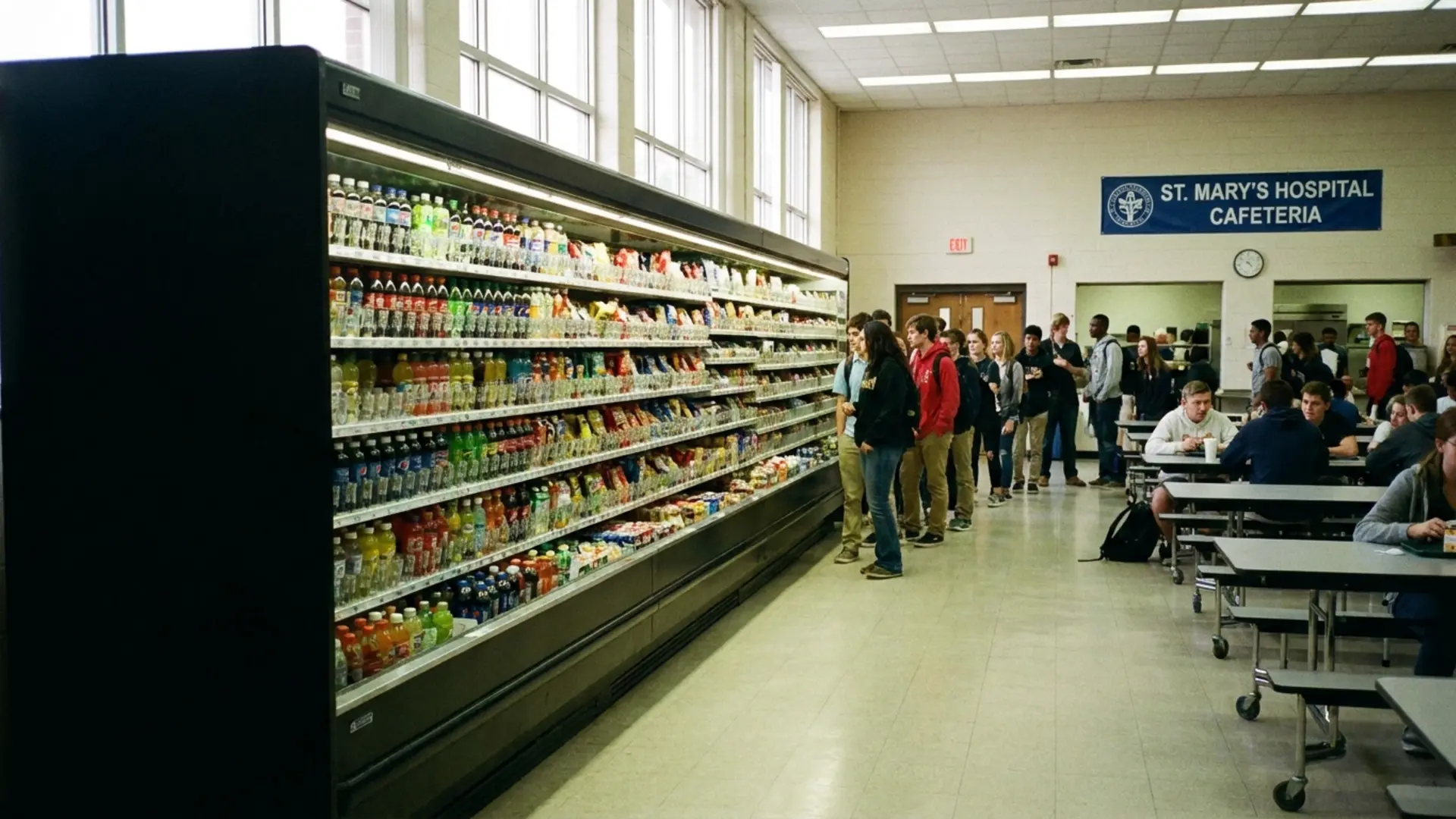
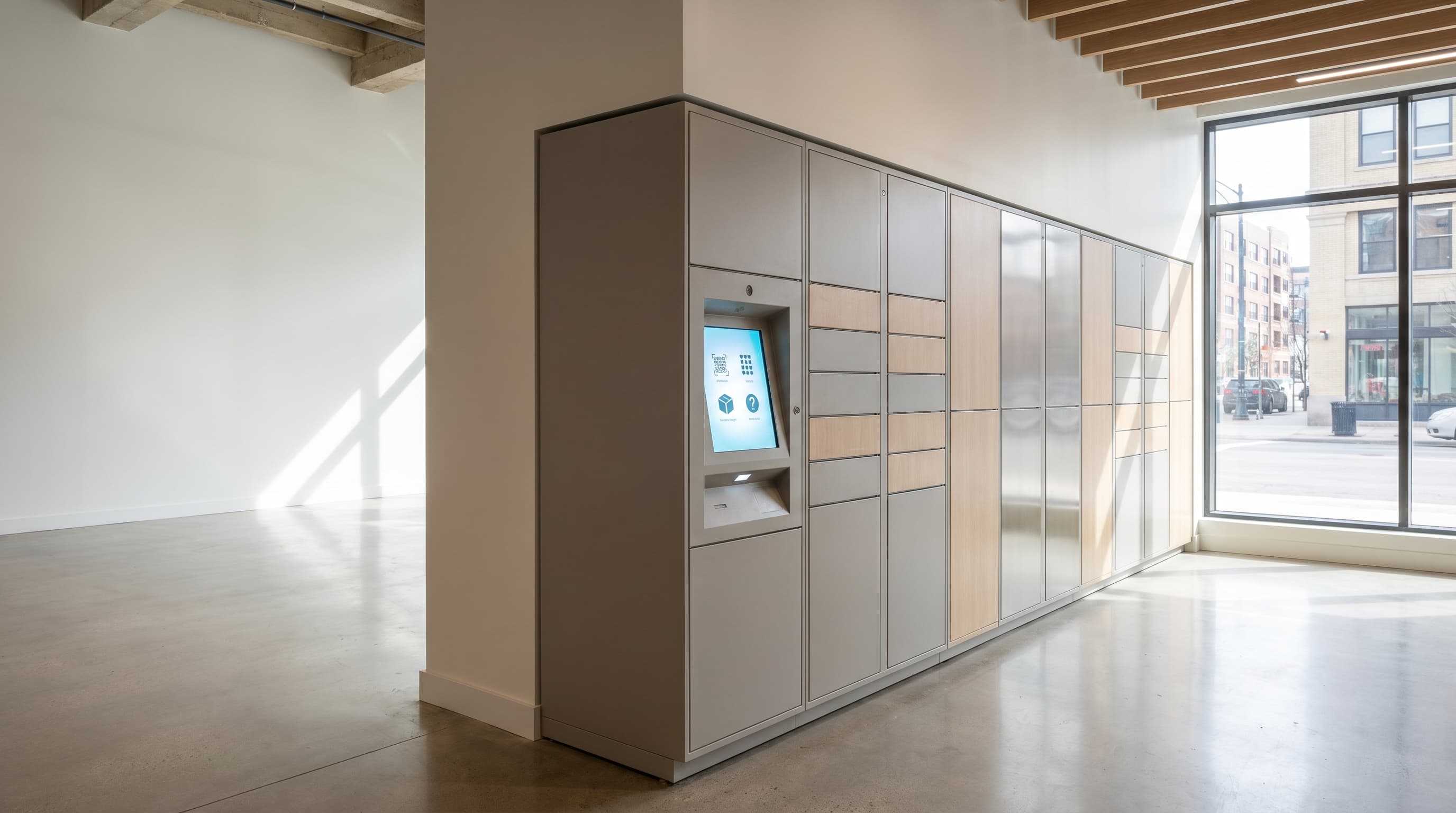
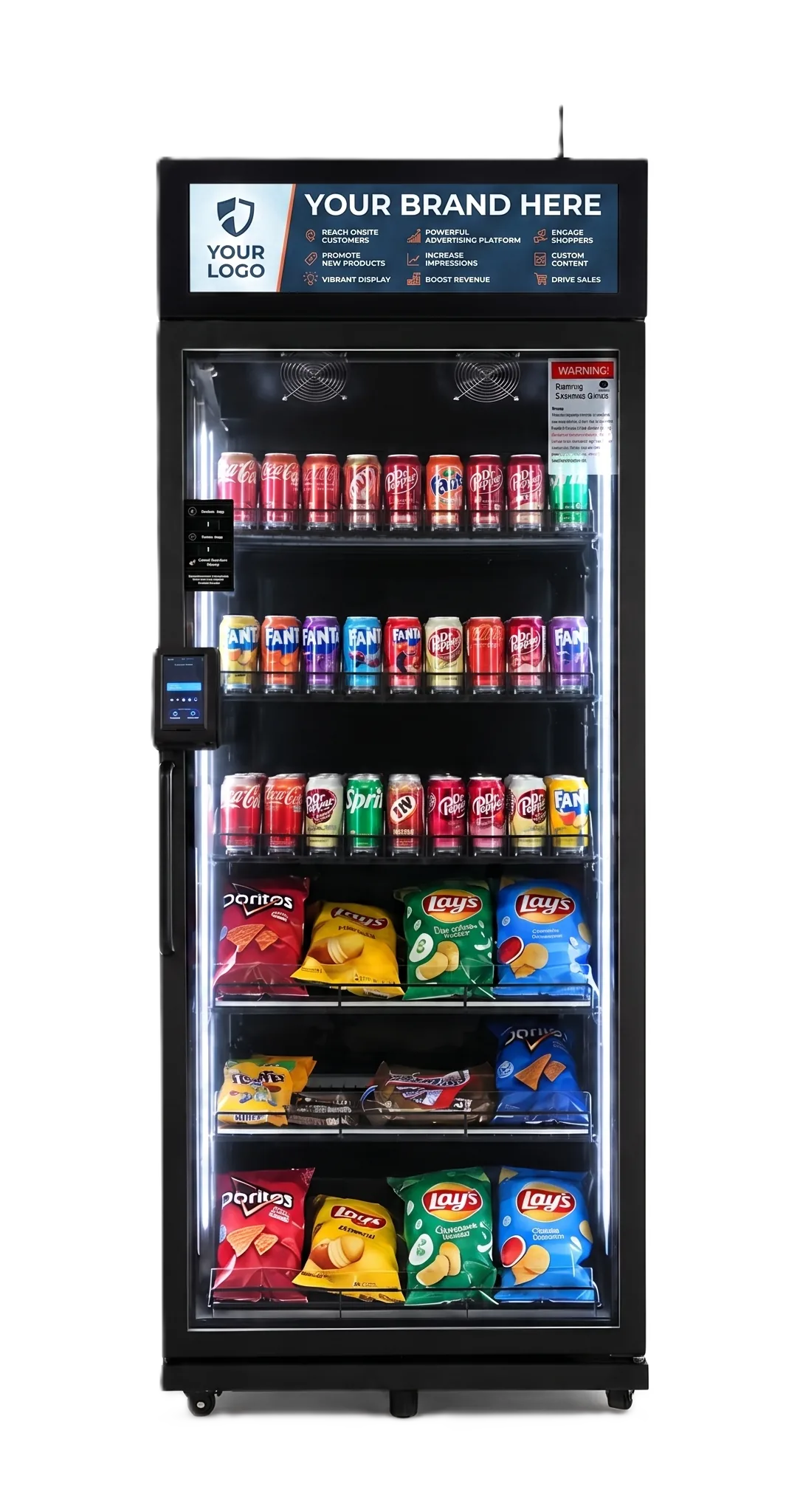
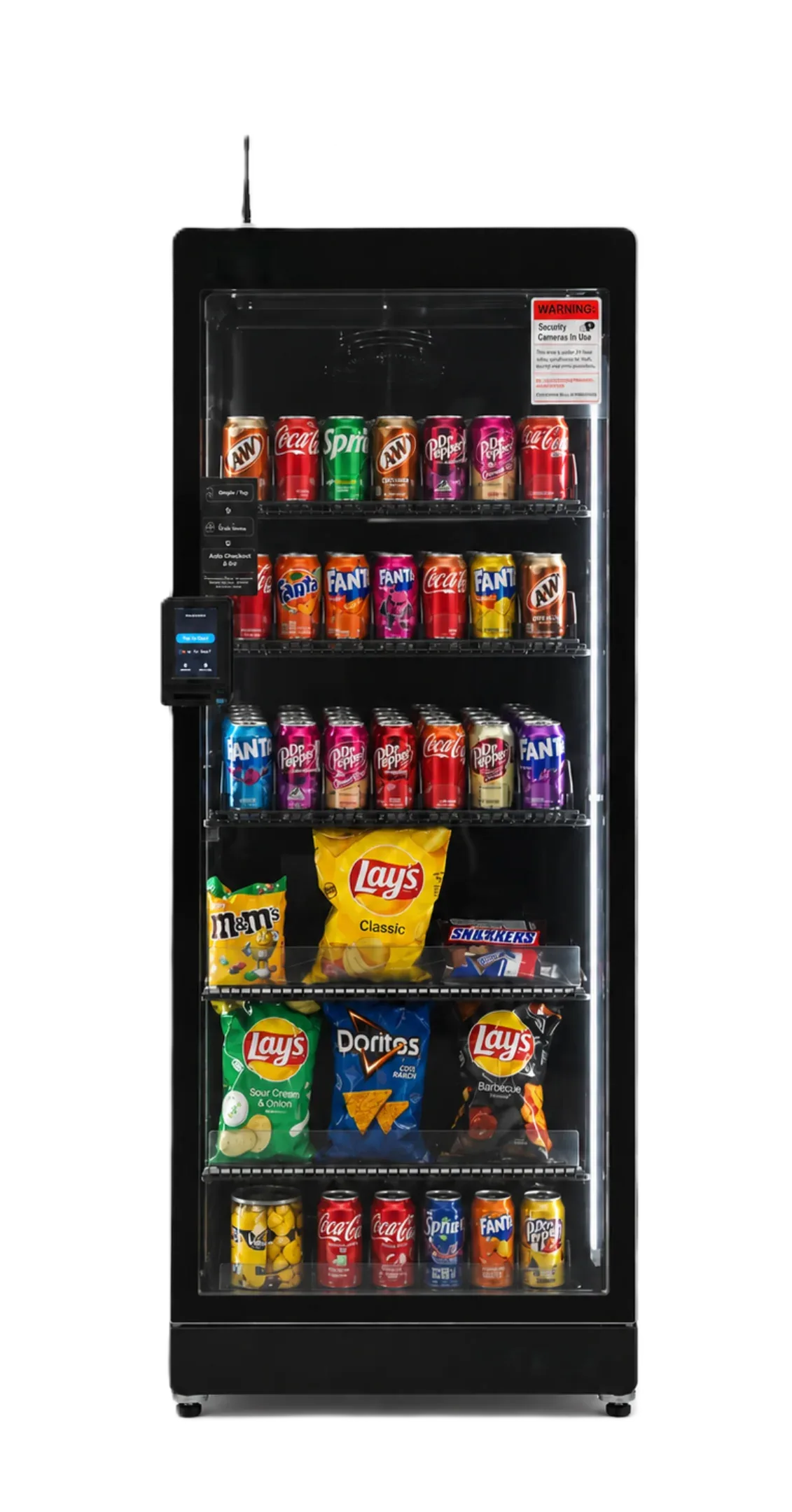
Define where each product is selected and paid for. An open-shelf market might use a self-checkout kiosk for ambient goods and ordinary refrigerated displays. A separate AI fridge may have its own access and payment process. A dispensing machine may handle another product group.
Putting those units in the same room does not make them one integrated system. Confirm whether they share a catalog, customer account, inventory record, or settlement report—and which functions remain separate. Never assume that a purchase from an AI fridge should also be scanned at the kiosk.
Create a simple equipment register before configuration starts:
| Component | Record before opening |
|---|---|
| Shelving and ordinary coolers | Product locations, checkout destination, storage requirements, and maintenance owner |
| Kiosk | Catalog owner, accepted payment methods, receipt process, and support contact |
| AI fridge or freezer | Its own platform, supported products, payment workflow, and temperature controls |
| Dispensing machine | Supported packaging, product selections, payment setup, and restocking access |
Where systems are separate, use signs that make the boundary obvious to a first-time shopper. Where integration is promised, document exactly what is included and test that function before launch.
2. Confirm the installed layout, not just the drawing
Walk the actual delivery route and customer area. Check doorways, equipment positioning, ventilation, power, network access, shelf reach, checkout approach, and service clearance against the selected equipment's instructions and applicable site requirements.
Allow for customers browsing while someone else is paying, and for restocking without blocking required circulation or exits. Accessibility involves more than one aisle-width figure; approaches, turning space, reach, and other applicable requirements must be assessed for the layout.
Do not adopt a universal minimum floor area or employee count. Suitability depends on the equipment mix, actual site usage, product demand, service costs, and facility constraints. Confirm any necessary property approvals and applicable permits before opening.
3. Build one controlled opening product list
For every launch item, record the product name, size, identifier, selling price, storage instructions, supplier, and approved selling location. Configure tax treatment as applicable to the product and jurisdiction. Distinguish different package sizes and similar flavors so customers are not billed against an ambiguous entry.
For kiosk sales, verify the barcode and price against the actual package. For recognition-based equipment, complete the supplier's product-registration and loading requirements. A barcode entry in one system does not establish recognition compatibility in another.
Keep launch quantities manageable relative to expected demand, shelf life, and the next service visit. There is no universal SKU count that guarantees better sales. Record substitutions explicitly rather than allowing whoever restocks the site to introduce untested products.
4. Establish the cold-storage release procedure
Follow the manufacturer's installation, startup, and stabilization instructions. Do not use a blanket waiting period as proof that a cooler is ready. Verify the required operating conditions before loading products that need temperature control.
Assign responsibility for temperature monitoring, records, expiry checks, cleaning, and response to refrigeration failure. Determine whether each cabinet provides alarms or a sales lockout, what those functions actually do, and what manual action is still required. An ordinary cooler may remain physically accessible even when the kiosk is disabled.
Create a way to stop access to affected products when necessary. The food-safety plan should address outages, uncertain temperature history, disposal decisions, and authorized return to service under applicable requirements. A digital stock count and first-in-first-out rotation are not substitutes for those controls.
A frozen product needs suitable freezer equipment. Do not treat a chilled AI fridge as an ice-cream freezer or infer a specific temperature rating from a product-category name.
5. Test the complete transaction and the records it creates
Use the provider's approved test process for each supported payment method. Verify the displayed price, recorded item, applicable tax, receipt, and expected inventory change. Where a live test is necessary, coordinate the authorized purchase and refund procedure so test activity is not mistaken for normal demand.
Check the difference between a customer transaction, the platform's sales record, and the processor's settlement record. Settlement timing, fees, refunds, and other adjustments can prevent those totals from matching on the same day. Document how the operator will reconcile them.
Walk through a failed payment, unavailable product entry, and customer refund request. For any badge, subsidy, or employee-account feature, verify that it is actually included and configured; do not assume it is standard.
Test or obtain documented evidence of outage behavior using safe, supplier-approved methods. Record what remains available when the network, kiosk, or a cabinet fails, who receives the alert, and who can suspend service. Do not interrupt refrigeration containing saleable food merely to demonstrate a fault.
6. Separate the equipment budget from the opening budget
List equipment, freight, installation, site work, software, processing fees, opening inventory, permits, insurance, and working capital as applicable. Assign each quoted cost to the relevant component. Co-location does not make every item eligible for the same financing offer.
DMVI™ standard machine financing requires a 25%–50% machine-value deposit, subject to approval. Shipping, the payment terminal, annual software license, wrap, and selected topper are separately priced and paid upfront, as applicable, along with applicable taxes and quoted extras. Quoted interest is 8%–15%, depending on ability to repay and other approval conditions. The remaining machine balance is repaid in 12 monthly payments starting 30 days after shipment.
The written quote and agreement establish the interest calculation, exact amounts, and payment schedule; these are not all-inclusive leases. The AI-fridge program is separate and does not inherit these standard terms. Obtain the program and fees for each component instead of applying one monthly payment to the whole market.
7. Sign off the operating handoff
Give the site contact and operator one usable opening pack: equipment identifiers, supplier contacts, service instructions, approved product list, refund procedure, food-safety responsibilities, and escalation contacts. Identify who can change prices, add products, remove unsafe stock, and authorize reopening after a problem.
Record unresolved issues with an owner and a required action. Do not open an affected component if payment integrity or safe product storage remains unresolved. A site can look finished while still lacking a workable support process.
After opening, review customer questions, sales, physical stock differences, spoilage, service time, and equipment incidents. Investigate stock differences before attributing all of them to theft; receiving errors, waste, unrecorded removals, and catalog mistakes also need consideration. Adjust replenishment using both records and physical inspection.
For a project involving DMVI equipment, bring the layout, component register, and product list to DMVI. A successful handoff leaves everyone clear about what has been verified, which systems are separate, and who keeps the market running after opening day.
Discuss your project with DMVI
Bring your product samples, site requirements, and intended customer experience to the conversation.