
Locker Vending Systems — Smart Locker Vending Machines for Self-Service Sale, Pickup, and Return
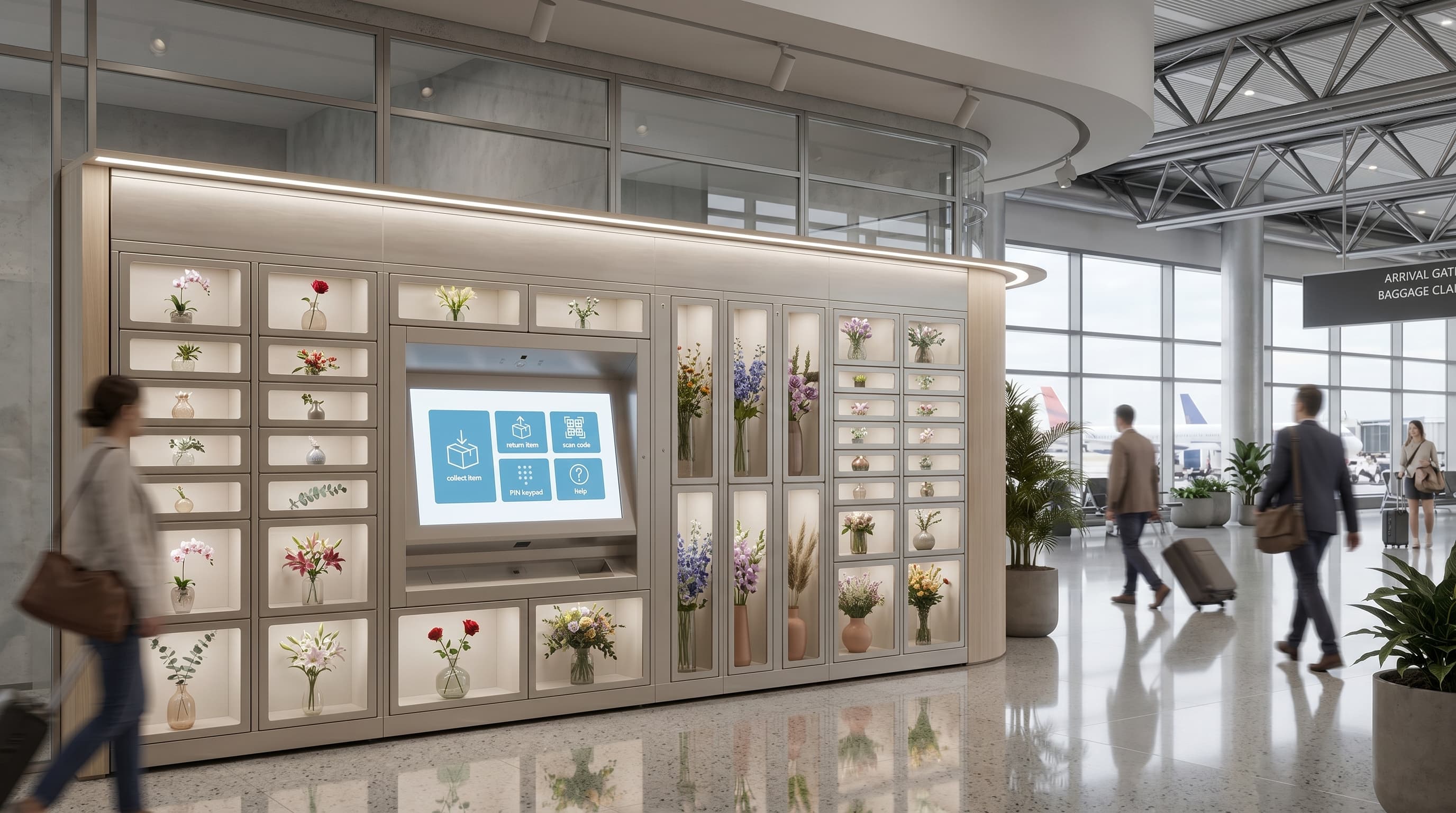
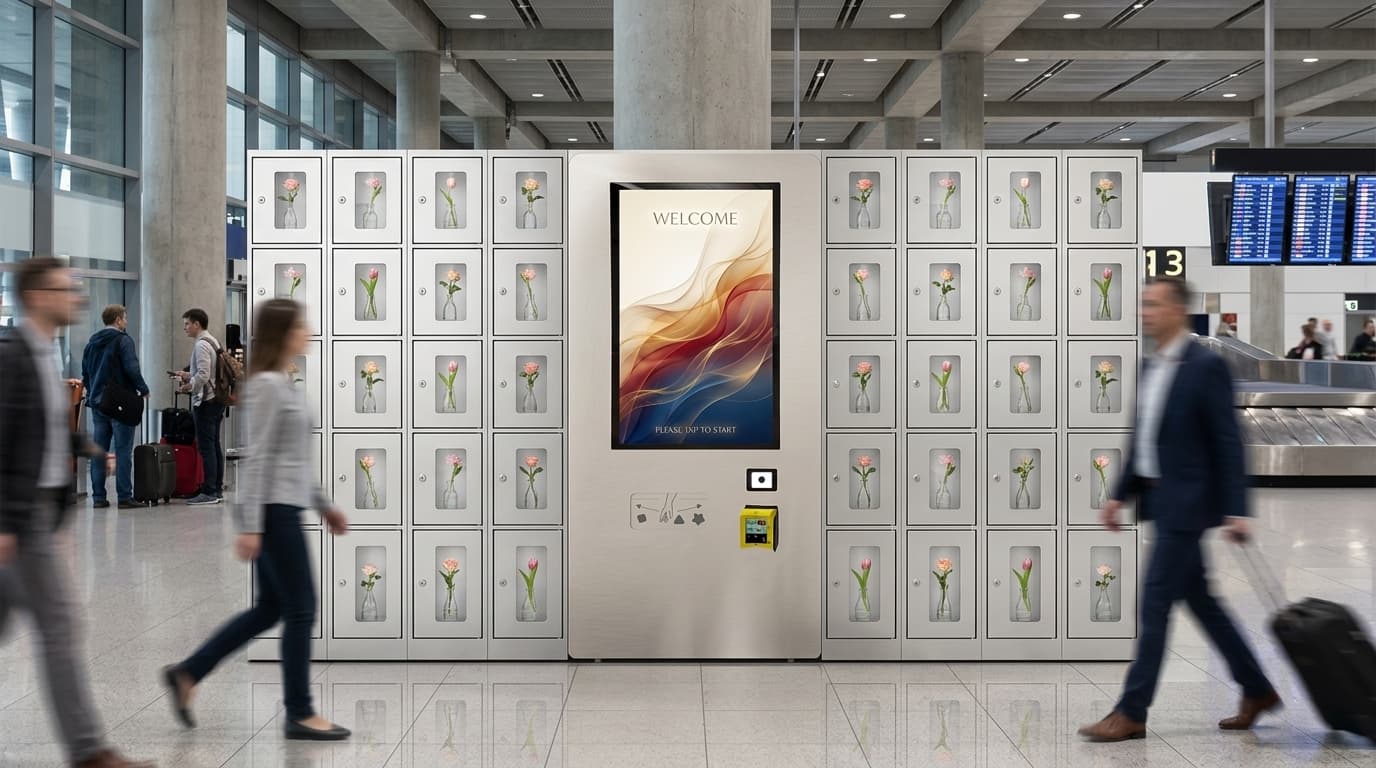
A locker vending system, also called a locker vending machine, is a software-managed bank of electromechanical compartments that automates self-service sales, secure pickup, controlled release, and returns through one connected workflow (Wikipedia: Vending machine) (Wikipedia: Smart lock). Operators manage assignment, credential delivery, release rules, exception handling, and post-event logs through a browser dashboard rather than a patchwork of desk handovers and spreadsheets. Unlike a generic vending machine, the locker vending format dispenses by opening a specific assigned compartment to an authenticated user — via PIN, QR, RFID/NFC, barcode, mobile app, or operator override — instead of pushing product through a delivery slot. DMVI locker vending systems support ambient, refrigerated, and frozen configurations and are deployed across retail, industrial, foodservice, parcel, and asset-control workflows. This is the right page when the project is a mixed transaction or release model. The specialist pages — Food Collection, Workplace, Parcel, Asset Management, Secure Handover, Locker Rental — are the right starting point when the use case is already locked in.
Best fit for this page
When a Locker Vending System Is the Right Fit
The locker vending category is built for the projects where the workflow is mixed and the cabinet is doing more than one job. One deployment might sell, release, accept returns, and authenticate handovers in the same week.
The platform-level work — assignment, messaging, authenticated release, exception handling, post-event visibility — is the same regardless of which lane an individual transaction falls into. Use a specialist page when the workflow is single-lane. Use this page when the operating model is genuinely mixed.
If you want the broader overview first, you can also review our electronic lockers.
Use the specialist pages when the workflow is single-lane
- Food Collection for prepared-order pickup and thermal hold.
- Workplace for day-use, hybrid-office, and visitor allocation.
- Parcel for courier deposit and repeat click-and-collect.
- Asset Management for accountable issue-and-return.
- Secure Handover for one-time controlled release.
- Locker Rental for timed-use or paid-access storage.
Locker Vending Workflows
Most buyers are not shopping for lockers in the abstract. They are trying to automate a specific sale, pickup, release, or return model cleanly.
Buy and collect
The user pays or confirms the order, receives access details, and collects without waiting at a staffed counter.
Staff release to a named user
An operator loads the compartment for a specific recipient, who opens only the assigned door through an authenticated release path.
Issue and return
Tools, devices, keys, or kits move out and back through a controlled self-service workflow with timestamps and clearer accountability.
Courier drop and recipient pickup
One party deposits the item, another collects later, and custody is recorded in between instead of being improvised at a desk.
Reserve or rent
A locker can be assigned for a timed session, short-term storage, or entitlement-based use where availability and reset rules matter.
Returns and reverse logistics
Approved drop-offs, repair intake, and other inbound workflows can be handled just as cleanly as outbound collection.
Access Methods
Authentication should fit the environment, not the other way round. Public collection, staff programmes, and restricted release all need different access paths.
QR code
Low-friction access for parcel, food, and general pickup workflows where users need a quick open-and-go experience.
PIN code
Simple numeric access for users who do not need an app-based or badge-based workflow.
RFID / NFC card
Tap-to-open access for staff programs, workplace environments, and asset-control systems integrated with an existing badge culture.
Barcode
Useful for order-based collection, inventory release, and higher-throughput workflows that need a machine-readable handoff path.
Mobile / app access
Supported where the deployment and user base justify a more app-led or phone-led user journey.
Operator override
Authorised administrators can reassign, open, clear, or troubleshoot compartments through the management layer when exceptions occur.
Identity and entitlement logic
The real access question is usually who is allowed to do what, not just how the door opens
Access methods are only half the software brief. Mature locker deployments also need a clear identity model for recipients, staff, approvers, and override users so the platform does not create a separate access mess around the cabinet.
One-time credential for a one-time event
QR, PIN, barcode, or app-based access is fine when the transaction is temporary and the locker only needs to prove the recipient can open a specific door in a specific time window.
Existing badge, directory, or staff identity
Workplace, healthcare, and asset-control deployments often work better when the locker platform checks an existing badge, directory, or entitlement source instead of creating a separate little identity universe around the doors.
Approval and override rights by role
The harder question is usually not how the end user opens the locker, but who can reassign, approve, extend, or manually release when the planned path breaks. That entitlement logic should be scoped explicitly, not discovered halfway through deployment.
What the locker vending software layer actually does
The real product is not just the locker bank. It is the browser-managed software layer that assigns compartments, sends credentials, controls release, tracks exceptions, and keeps the workflow visible after the door closes.
Compartment assignment and order matching
The software decides which door should hold which item, ties the transaction to the right user or order, and applies hold windows, entitlement rules, and timing logic before release.
Credential delivery and pickup messaging
QR codes, PINs, barcode instructions, or app-based prompts are delivered to the right recipient with the timing, location, and collection rules that fit that specific workflow.
Authenticated release and override control
The locker only opens the assigned compartment for the approved user, while authorised staff can reassign, override, or troubleshoot exceptions without losing accountability.
Roles, permissions, and escalation logic
The platform should decide who can open, reassign, cancel, or escalate a transaction, and what happens when the intended user does not collect on time. That governance layer matters just as much as the door hardware in healthcare, workplace, parcel, and higher-value handover workflows.
Audit trail and exception visibility
Door opens, failed attempts, no-shows, returns, and override events are timestamped so the operator can see what happened after the event instead of reconstructing it from emails and guesswork.
Thermal, door, and service alerts
For refrigerated, frozen, or higher-risk deployments, the management layer can surface temperature issues, access faults, and service exceptions before they become a customer-facing mess.
Reporting and integration readiness
Locker programs work better when the software can export transaction history, support downstream reporting, and fit into the surrounding order, parcel, asset, or identity stack rather than sitting in isolation.
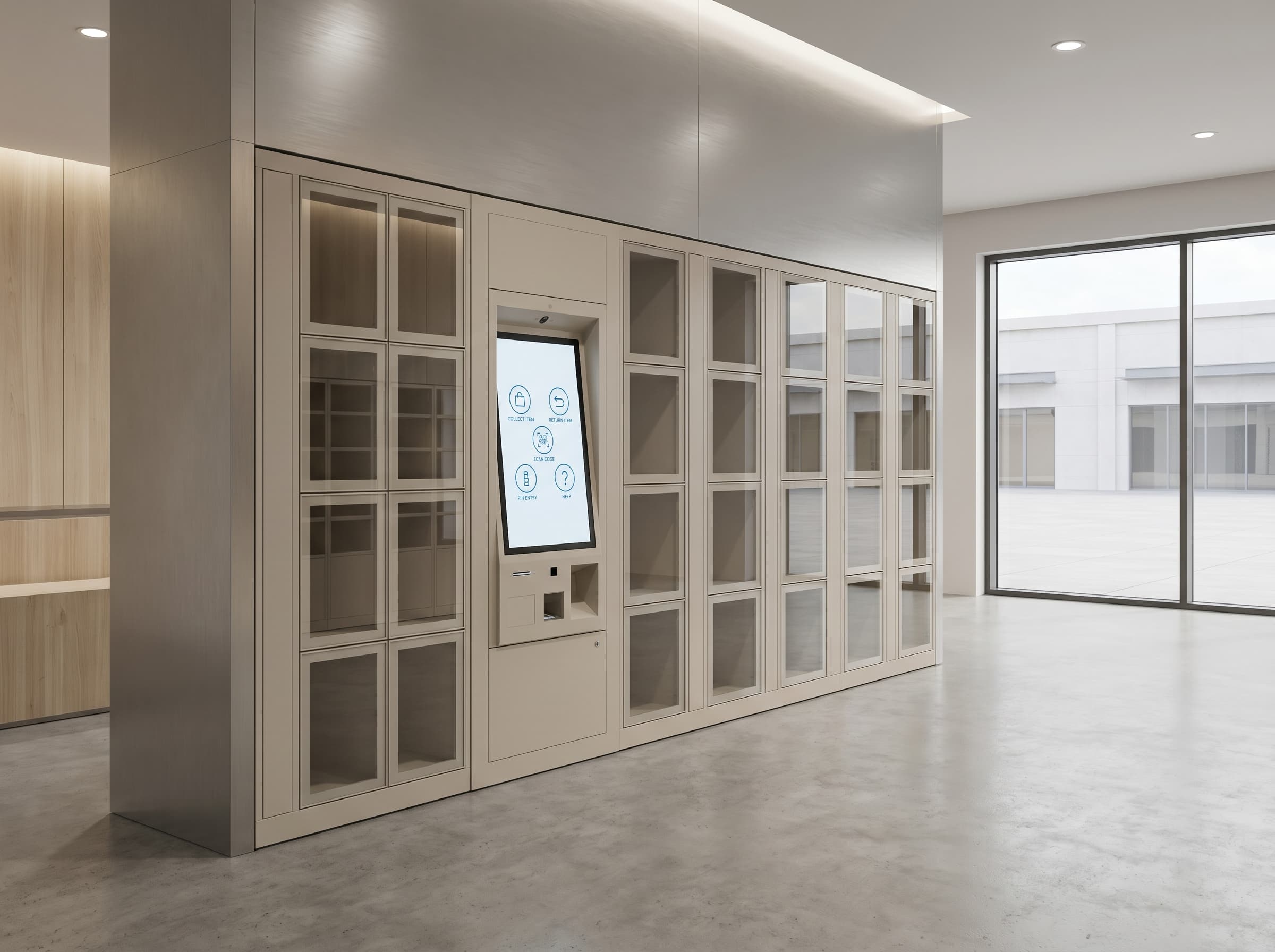
How the locker vending transaction runs
Four steps, one managed workflow
The locker hardware is the endpoint. The real job is matching the item to a compartment, sending the right credential, authenticating release, and capturing the result.
1. Place the item into a workflow
An order, parcel, asset, or handover item is matched to the right compartment, timing window, and release rules.
2. Send the collection instruction
The user receives the right credential, timing, and pickup message for that specific transaction rather than a generic locker code.
3. Authenticate the release event
QR, PIN, RFID, barcode, app access, or another approved method opens the assigned door for the intended user.
4. Capture the result
The software records collection, returns, exceptions, and overrides so the handover is visible after the event, not just during it.
Questions that shape the software brief
Four decisions buyers should answer before they spec the lockers
Most locker projects stall because the cabinet conversation starts before the workflow brief is real. These four questions usually decide whether the management layer feels joined-up or cobbled together after install.
What system creates the locker event?
Decide whether the workflow starts from an order platform, parcel event, asset request, internal service desk, or an operator dashboard entry. That upstream trigger shapes the software brief before anyone starts counting doors.
Who is allowed to collect, open, or override?
Define the identity method, the authorised user groups, and who can intervene when a collection fails, a user turns up early, or a handover needs manual approval.
What happens when the plan breaks?
No-shows, expired pickup windows, temperature faults, failed credentials, and disputed handovers need escalation rules. If the exception path is vague, the software layer is still half-specified.
What reporting has to exist afterwards?
Decide what audit trail, transaction exports, compliance history, or downstream reporting the customer will need after go-live so the locker bank behaves like part of the business process rather than a sealed appliance.
Reporting after go-live
The locker platform should still make sense after the door closes
A locker deployment is not finished when the credential works once. The post-event reporting layer is what determines whether support, compliance, finance, or site operations can trust the system after the first dispute, failed pickup, or audit request.
Transaction history that support can actually search
After go-live, teams need to find events by order number, recipient, locker door, badge, or credential without exporting CSV files and playing detective with timestamps.
Exception and override history for compliance or dispute review
A serious locker system should retain failed attempts, manual releases, expiry events, reassignment actions, and who approved them, so support, compliance, or site management can reconstruct what happened without guesswork.
Exports that fit the surrounding business process
Operations, finance, healthcare, parcel, or asset teams often need the locker platform to export events into another reporting or audit environment. If the data only makes sense inside the locker dashboard, the deployment is still operating in a silo.
Standalone versus integrated locker software
The platform model should match the workflow, not the sales deck
One of the first real software decisions is whether the lockers can run largely inside their own dashboard or whether they need to sit inside another order, parcel, asset, or identity workflow. Getting that answer wrong is how tidy demos turn into messy handoffs.
Standalone locker workflow
This is suitable when staff can create the transaction directly in the locker dashboard and the deployment does not need live order, parcel, asset, or identity handoffs from another system. It is the simpler answer, but only when the process is genuinely simple.
Light integration around a core process
Some programmes only need one or two touchpoints, such as importing an order reference, sending a collection event back to an ops team, or checking identity against an existing staff directory. That is often enough for food pickup, workplace issue, and smaller parcel workflows.
Workflow-embedded deployment
High-value, compliance-heavy, or multi-site projects usually need the lockers to behave like part of the surrounding platform rather than a separate appliance. That means upstream triggers, exception handling, and reporting all need to fit the wider business process from day one.
API and webhook thinking
The integration contract matters as much as the locker hardware
Once the lockers need to sit inside a wider order, parcel, asset, or service workflow, the important question is not merely whether an integration exists. It is whether the system knows who owns the transaction, what events can change it, and how success or failure gets sent back out.
Pick the source of truth before the first API call
Decide whether the locker event starts in the locker platform, an order system, a parcel workflow, an asset tool, or a service desk. If two systems both think they own the transaction, the integration is already on borrowed time.
Handle create, update, cancel, and expiry as separate events
Real locker workflows do not just create transactions. They change pickup windows, reassign doors, cancel handovers, expire collection rights, and retry after failure. The software contract should account for those state changes explicitly rather than pretending everything is a clean one-shot release.
Send completion and exception events back out
The surrounding system usually needs to know whether collection succeeded, failed, expired, or required manual recovery. If the locker platform only receives instructions and never sends the outcome back, it becomes a black hole inside the workflow.
Design for retries, duplicates, and bad timing
API and webhook flows should tolerate duplicate messages, delayed callbacks, and out-of-order events. Locker projects live in the physical world, so the software model needs idempotency and sensible retry behaviour rather than wishful thinking about perfect timing.
Keep an export fallback for finance, audit, or recovery
Even when the live flow is API-led, most customers still need a clear export or reporting path for reconciliation, dispute review, and contingency handling. A good integration model supports both real-time events and boring-but-useful downstream records.
Monitoring after launch
A live locker programme should have weekly operating signals, not just a vague sense that it exists
Once the lockers are live, the management layer should show whether the workflow is quietly working or quietly deteriorating. Buyers do not need a vanity dashboard. They need a weekly read on failed pickups, manual interventions, noisy alerts, and site-by-site health before the support queue starts telling the story for them.
Pickup success and failed-attempt rate
Operators should know how many events completed cleanly, how many needed retries, and whether specific doors, credential types, or sites are producing a disproportionate share of failures.
Expired, abandoned, or overdue collections
A healthy locker programme should show how many items were never collected on time and whether the backlog is building by venue, time window, or workflow type. That is often the first real sign that the operating model is drifting.
Manual overrides as a percentage of all transactions
If staff are regularly opening doors, extending windows, or reassigning compartments by hand, the workflow is teaching you something. The monitoring layer should show whether overrides are rare exceptions or a hidden everyday dependency.
Alert quality, not just alert volume
Door faults, temperature alerts, connectivity loss, and service alarms should be monitored for signal quality. A platform that cries wolf all day trains the team to ignore the one alert that actually matters.
Site-by-site operational health
Multi-site locker programmes need a simple weekly view of uptime, exception rate, pickup success, and intervention burden by location so weak sites are visible before they become reputationally expensive.
What the operator dashboard should handle on day one
Five controls that separate real locker software from a cabinet with a login screen
Buyers do not need a glamorous dashboard. They need a system the staff can actually use when a courier is waiting, a customer cannot open the right door, or a pickup window needs changing in real time.
Search the live transaction quickly
When someone is standing at the lockers, staff should be able to find the event by order number, recipient, locker door, or credential in seconds rather than hunting through separate systems.
Reissue or extend access without drama
If a user deletes the QR code, misses the collection window, or arrives early, the dashboard should let authorised staff resend credentials or extend the timing rule without inventing a manual workaround.
Reassign compartments when the physical world changes
A real locker deployment needs the ability to move an order, parcel, or asset to another door when a compartment goes out of service, an item is larger than planned, or the thermal zone changes.
See the exception history, not just the final outcome
A good operator view should show failed attempts, overrides, expiry events, and door activity so support teams can see how the handover went wrong instead of guessing afterwards.
Escalate to a human with clear permissions
The software should make it obvious who is allowed to open, cancel, refund, clear, or manually complete a transaction. That matters most in workplace, parcel, healthcare, and higher-value release workflows.
Incident ownership after go-live
Locker software should know how a fault becomes an owned recovery task
The awkward moment in locker deployments is rarely the happy-path pickup. It is the door fault, disputed handover, expired collection, or thermal alert that now belongs to somebody. If the software cannot route, document, and close that incident cleanly, the operating model is still unfinished.
Every alert should land in an owned queue
A door fault, failed pickup, or temperature exception should route into a named operations or service queue with an accountable owner, not drift around by email until somebody notices.
The incident record should carry the locker context with it
Support should see the locker bank, door number, credential status, recipient, timing window, and recent event history in one view. If the technician or site lead has to assemble that by hand, the incident model is still weak.
Manual recovery needs rules, not improvisation
When staff have to open a door, extend a window, refund a transaction, or move an item to another compartment, the software should record who did it, why, and under what approval path rather than hiding the fix in a side conversation.
Escalation windows should match the commercial promise
If the lockers support meal pickup, medication handover, workplace issue, or another time-sensitive workflow, the platform should reflect what counts as urgent, who gets paged first, and how long the team has before the event becomes a customer-facing failure.
Post-incident reconciliation should be quick
After the locker event is recovered, the dashboard should make it easy to confirm the final state, reconcile the audit trail, and close the ticket without leaving support, finance, or compliance with three conflicting versions of the story.
Data retention and privacy after go-live
Locker software should know what gets kept, who can see it, and when it should stop living forever
Once a locker programme handles named recipients, audit trails, manual overrides, and disputed handovers, retention and privacy stop being abstract legal wallpaper. They become part of the operating model. If nobody can explain what data is kept, for how long, and who is allowed to view or export it, the software brief is still unfinished.
Keep only the data the workflow genuinely needs
Locker software should not collect every conceivable field just because it can. The event record should be scoped around identity, timing, release status, override history, and the minimum operational context needed to run, support, and audit the workflow.
Set retention windows by event type, not by habit
Routine pickup logs, access attempts, camera-linked evidence, and compliance-sensitive override records do not always deserve the same retention period. The customer should decide what stays for days, months, or years before go-live rather than discovering the answer after a dispute.
Sensitive workflows need a clearer privacy stance
Healthcare, workplace, student, and age-restricted deployments often carry a higher expectation of privacy around who collected what and when. The platform should support a documented privacy posture, role-based visibility, and a sensible answer to who can see named transaction history.
Exports, legal hold, and audit review should not be improvised
If finance, legal, compliance, or site management ever need to review a disputed handover, the platform should be able to export the relevant record cleanly and preserve it when a hold is required instead of relying on screenshots and memory.
Operators need a policy and staff training, not just a dashboard
A good locker deployment should come with a practical retention and access policy so staff know what they are allowed to view, resend, export, or delete. Software without that operating discipline tends to wander into the wrong sort of governance story.
What to confirm before go-live
Five software checkpoints that should be true before the lockers go live
Most locker rollouts do not fail because the cabinet exists. They fail because one real-world exception was never tested properly until the first user was already standing there waiting.
Credential delivery works outside the happy path
Test that the QR code, PIN, barcode, or app journey still works when the user arrives early, late, or on the wrong device. The first failure is rarely the perfect demo case.
Permission rules match the real org chart
Confirm the people who need to open, reassign, clear, or refund a transaction actually can, and the people who should not intervene cannot do so by accident.
Exception alerts reach somebody useful
Door faults, failed pickups, temperature issues, and expired collection windows need an alert route that ends with an accountable human rather than a beautiful log no one reads.
The reporting export says what finance or ops needs it to say
Before launch, verify that transaction history, audit logs, and downstream exports are in the format the customer’s team will genuinely use after go-live rather than what the software happened to produce by default.
A manual recovery path has been rehearsed
If the network drops, a locker door faults, or a pickup is disputed, staff should know the approved recovery path before the first live incident. Improvisation is not an operating model.
Scoped around the workflow, not the locker catalogue
- Workflow-first scoping | The right locker vending system starts with who deposits, who collects, what timing matters, and what happens when something goes wrong.
- Software and integration brief | Serious locker projects need more than door counts. The brief should cover identity, order, parcel, asset, or reporting touchpoints so the platform fits the surrounding workflow instead of becoming a disconnected side system.
- Mixed-transaction realism | One deployment might sell, release, accept returns, and authenticate handovers in the same week, so the platform has to be scoped around the real operational mix.
- Thermal and access fit | Ambient, refrigerated, and frozen formats plus PIN, QR, RFID/NFC, barcode, app, and operator override should be chosen around the live environment rather than guessed from a catalogue.
- B2B supply process | DMVI handles enquiries commercially, with realistic scoping around configuration, integration, deployment country, and lead time rather than vague locker labels.
Explore locker workflows
Related pages under electronic lockers
If you already know the commercial model you care about, go one level deeper into the workflow rather than staying at the generic locker-vending label.
Workplace Lockers
For hybrid-office, day-use, visitor, and staff-storage workflows where managed allocation matters more than classic fixed lockers.
Food Collection Lockers
For staffless prepared-order pickup, timed collection windows, and workflows where ambient or thermal zoning matters.
Parcel Lockers
A closer look at courier deposit, click-and-collect, residential pickup, and out-of-hours parcel collection.
Asset Management Lockers
For issue, return, overdue visibility, and controlled release of tools, devices, PPE, keys, and other accountable assets.
Secure Handover Lockers
For authenticated release, chain-of-custody workflows, and staffless collection of more sensitive items.
Locker Rental Systems
For timed-use, paid-access, and managed short-term storage programs where the software logic is the real product.
Locker Systems Gallery
Examples from DMVI locker deployments and locker-adjacent secure collection workflows, rebuilt as local WebP assets for faster, more stable presentation.
Showing 20 of 50
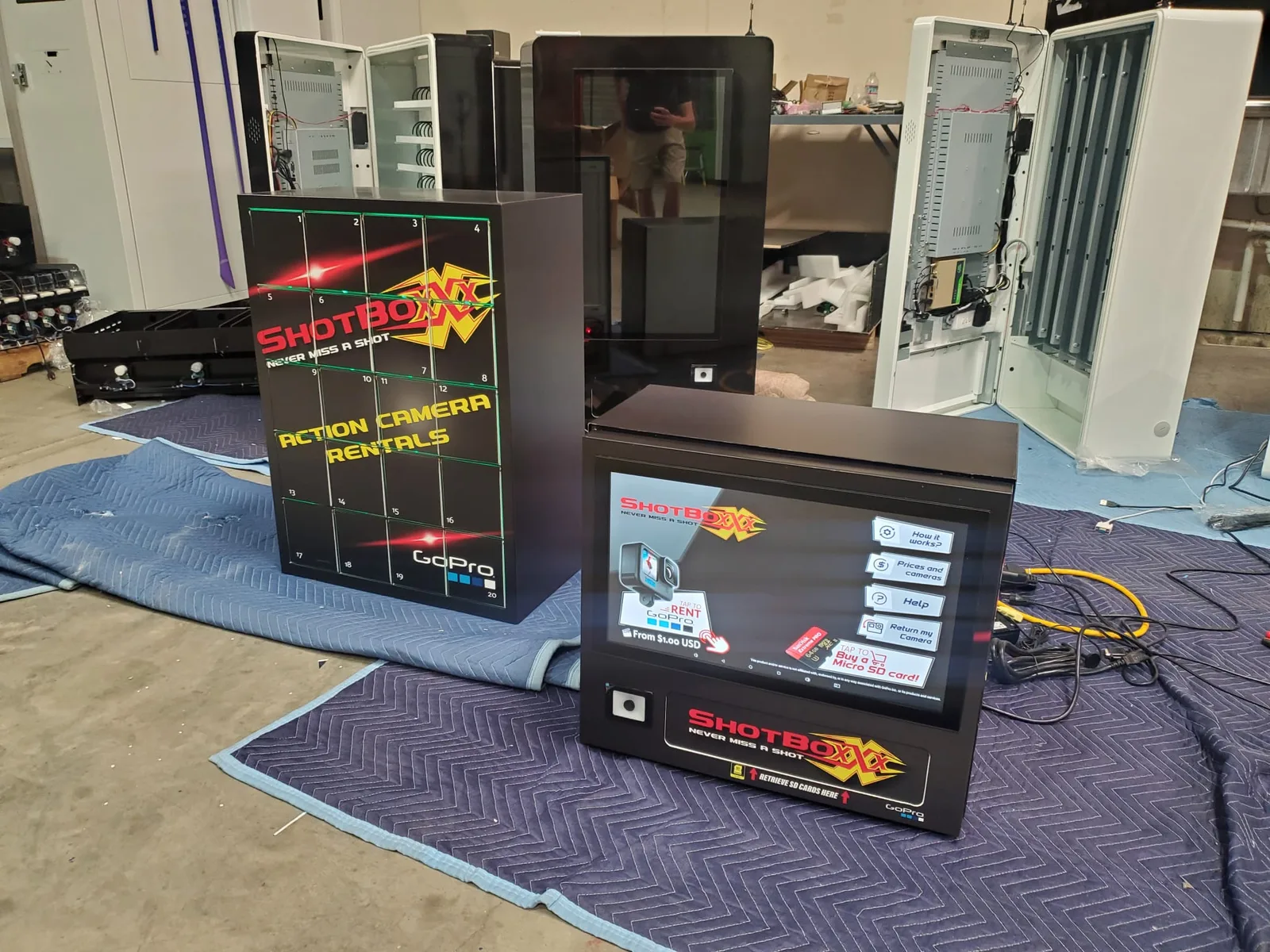
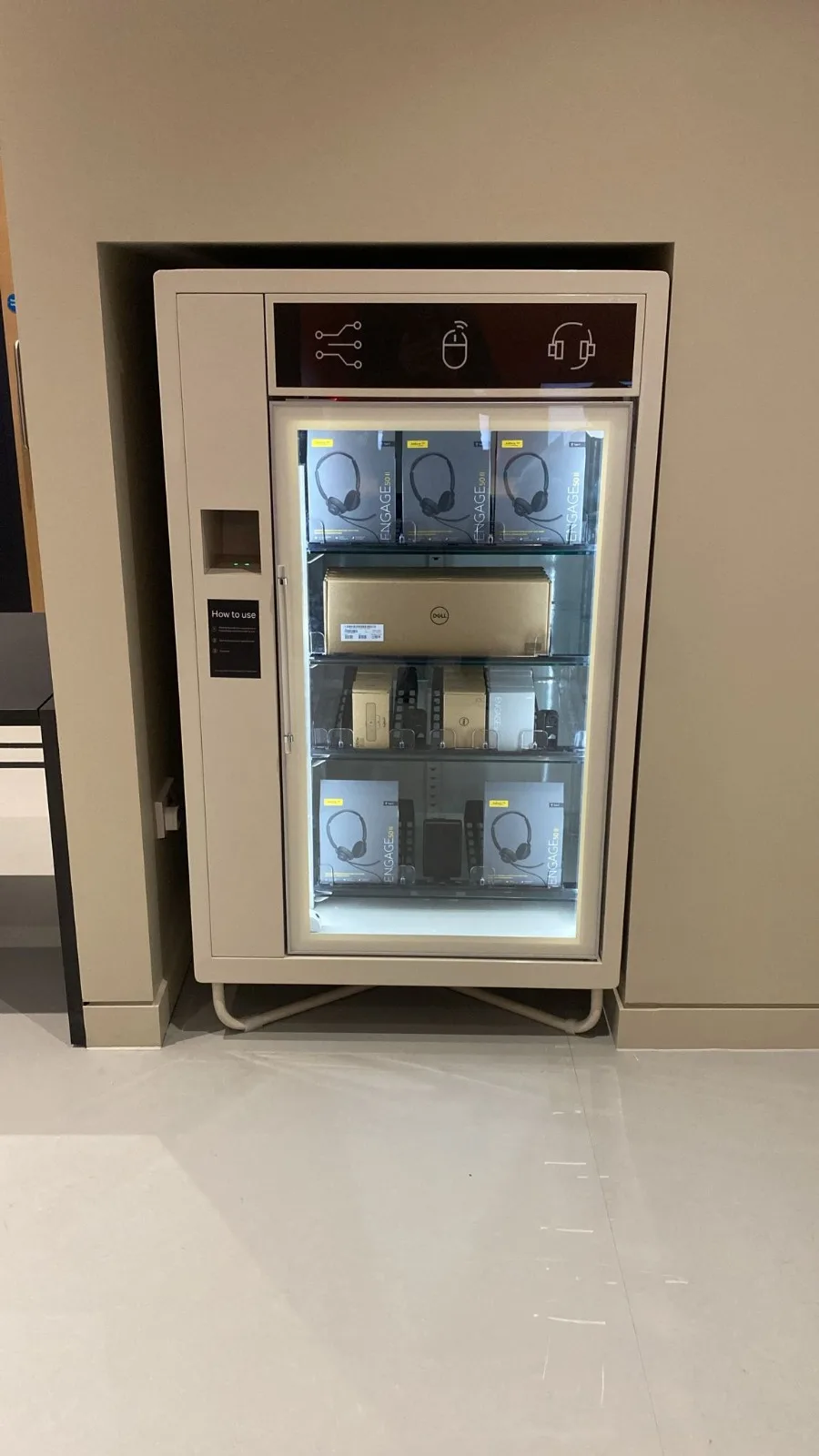
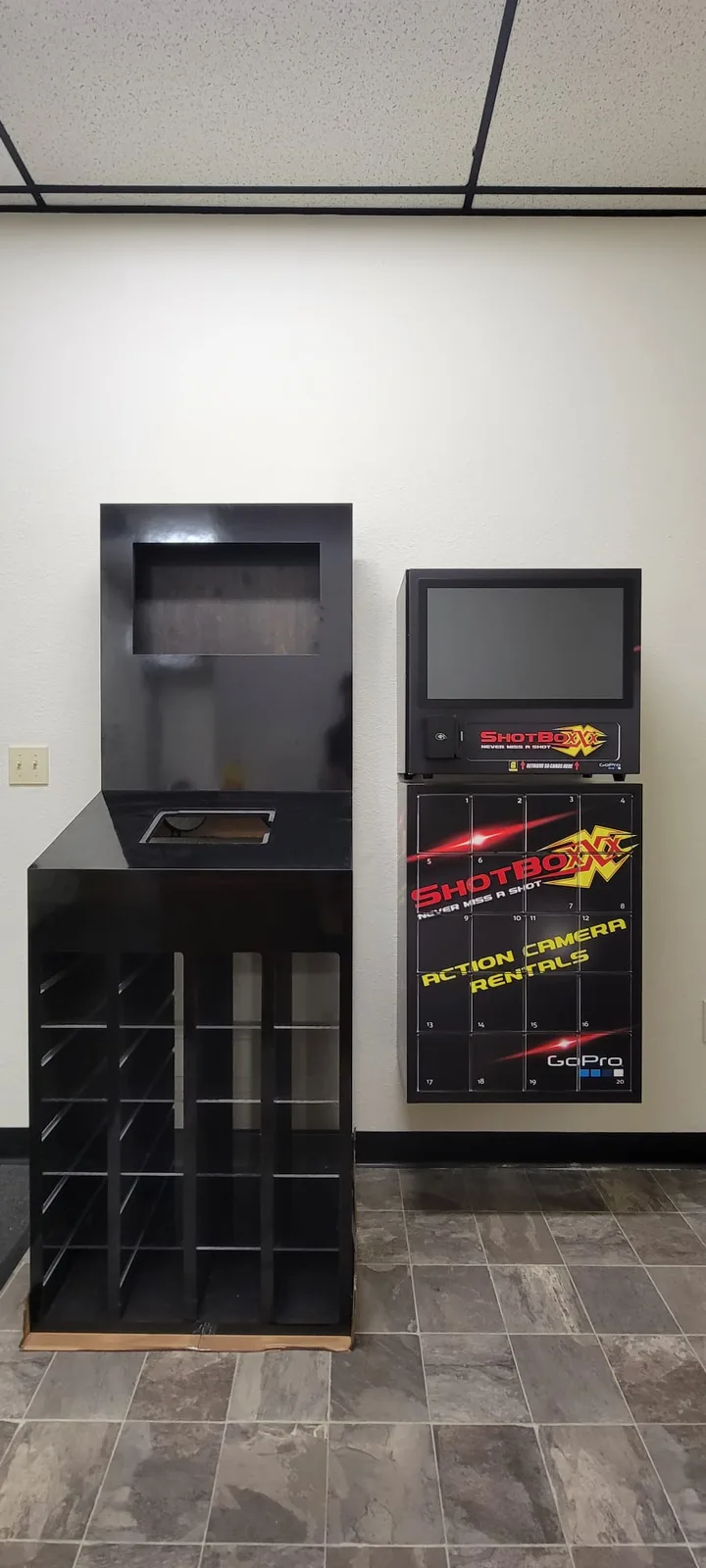
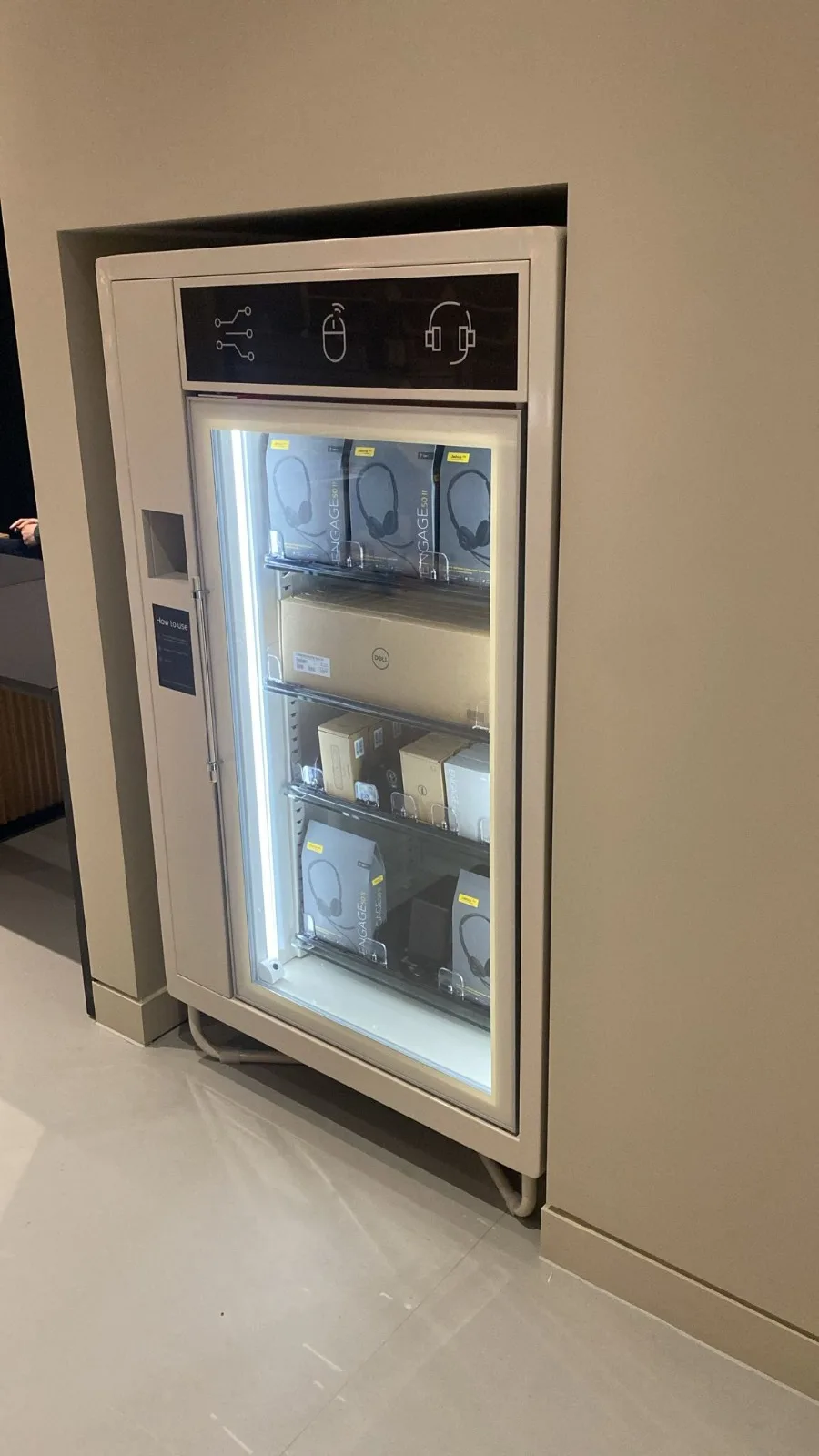
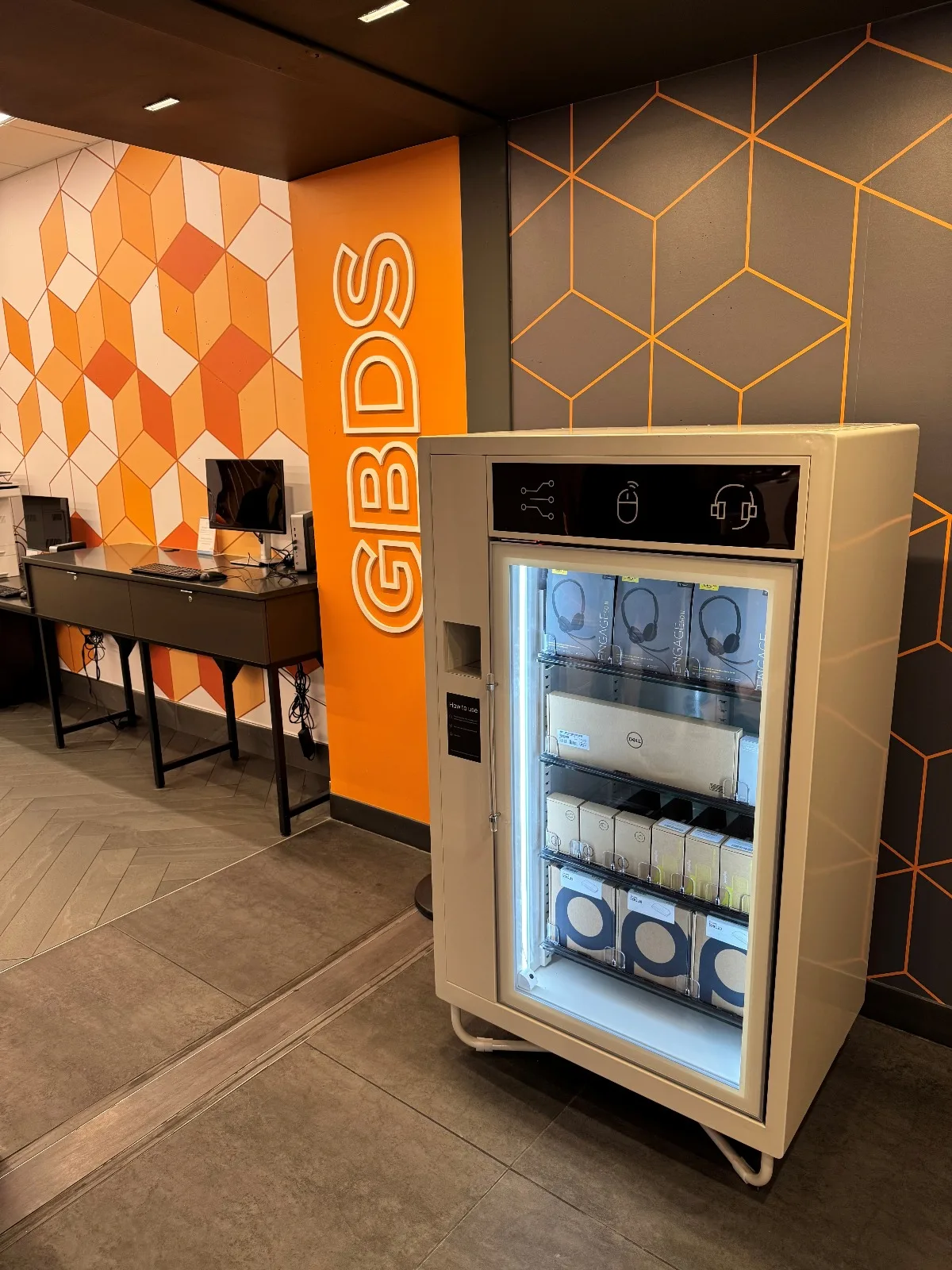
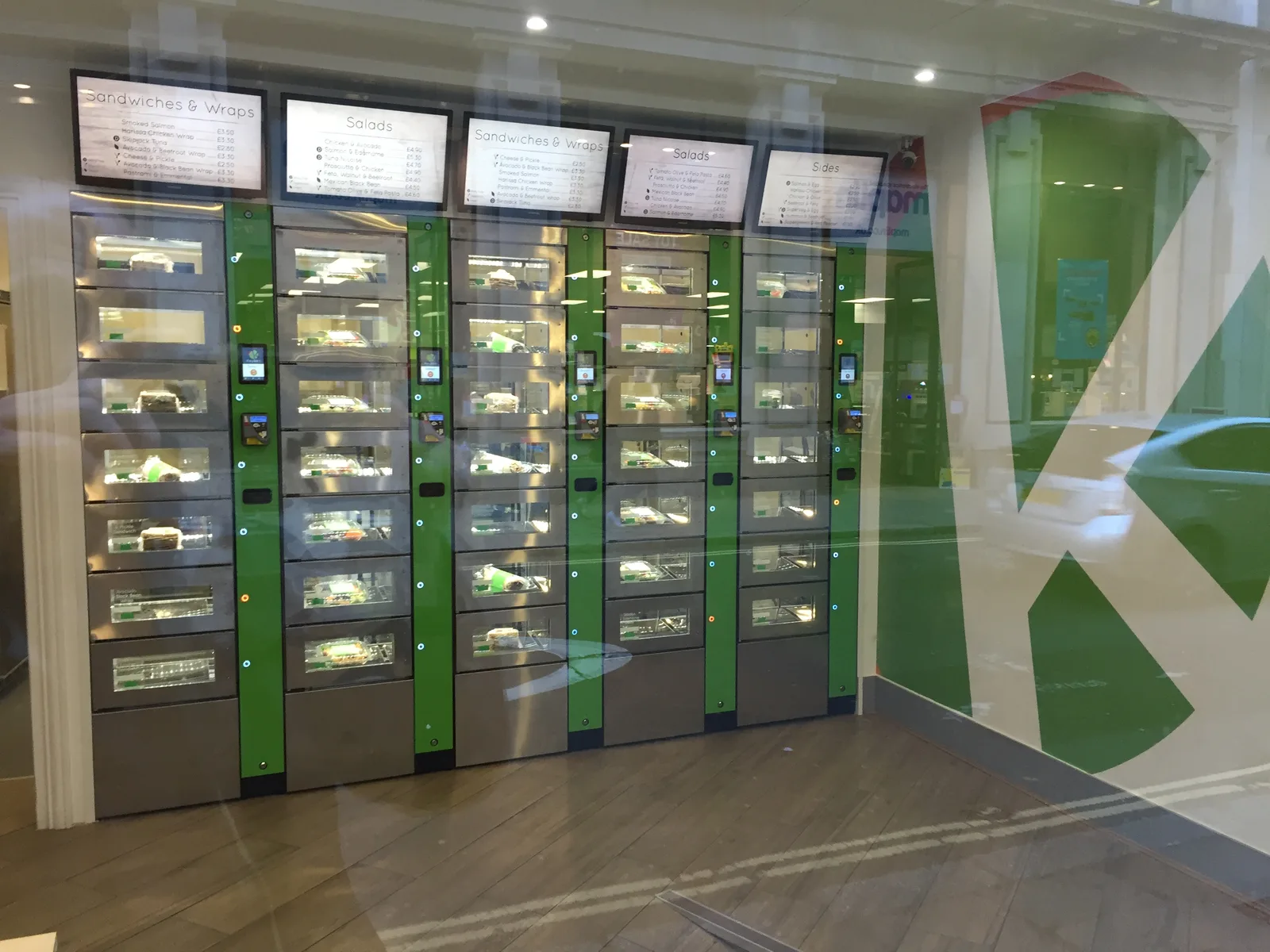
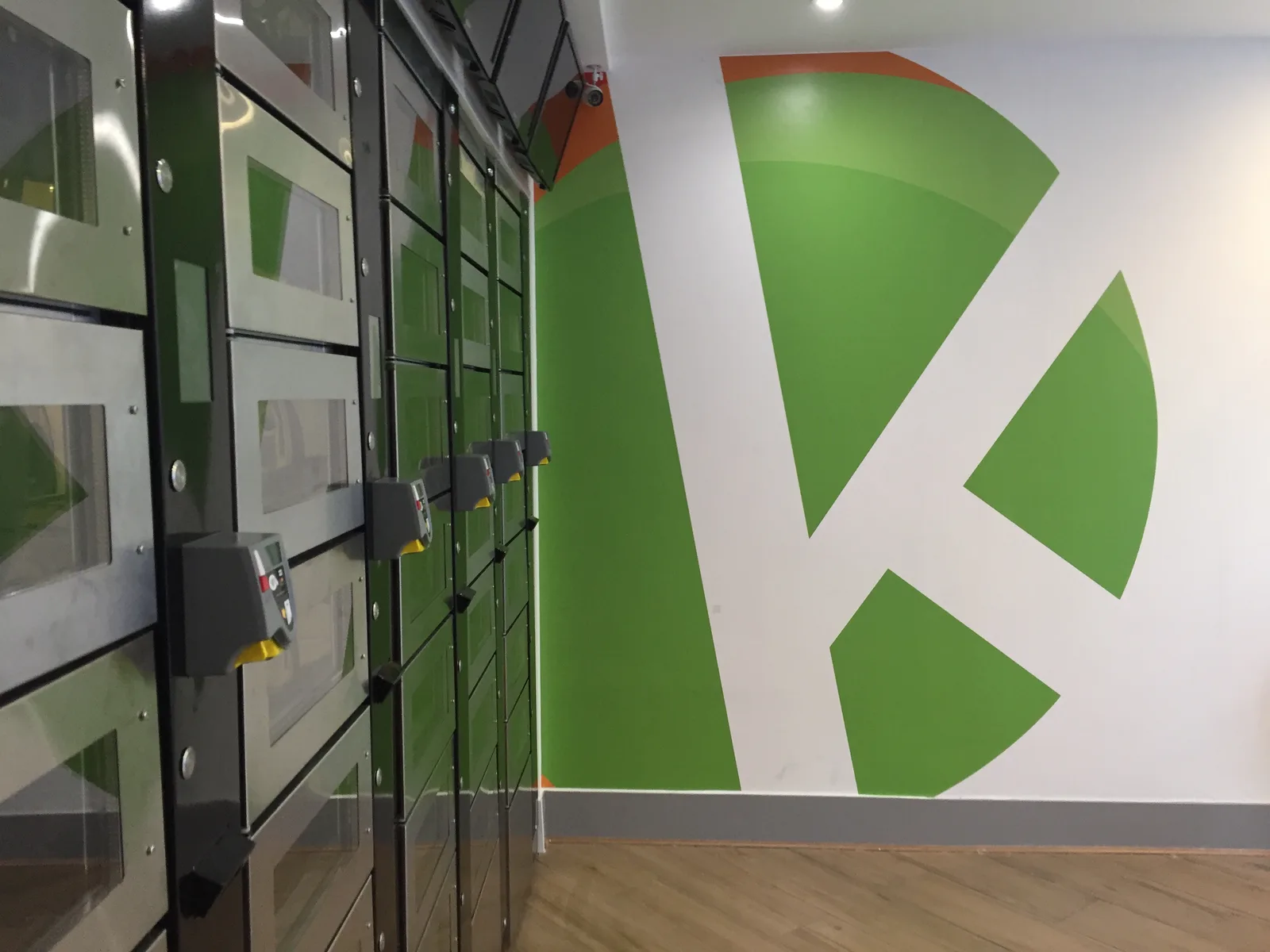
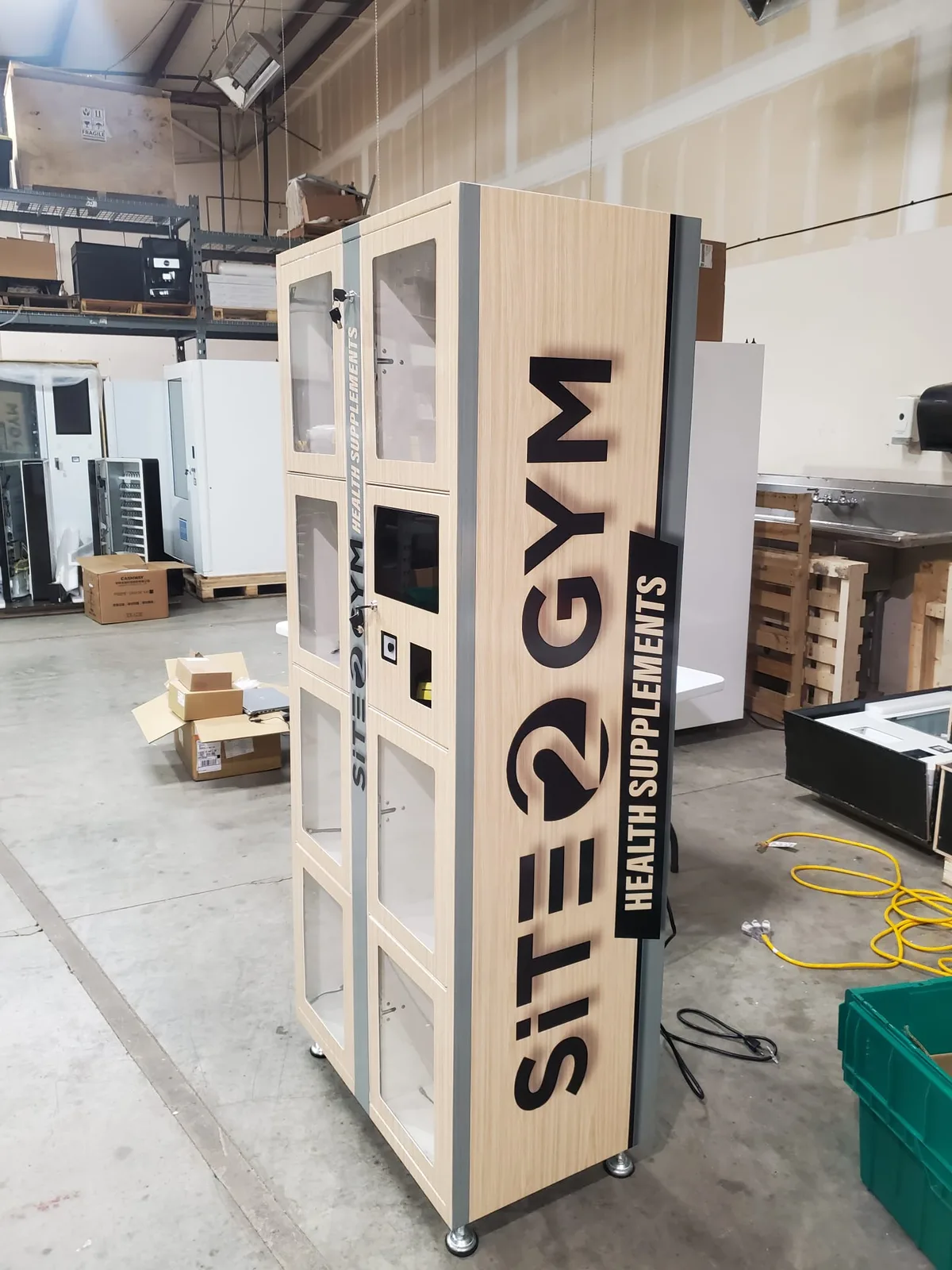
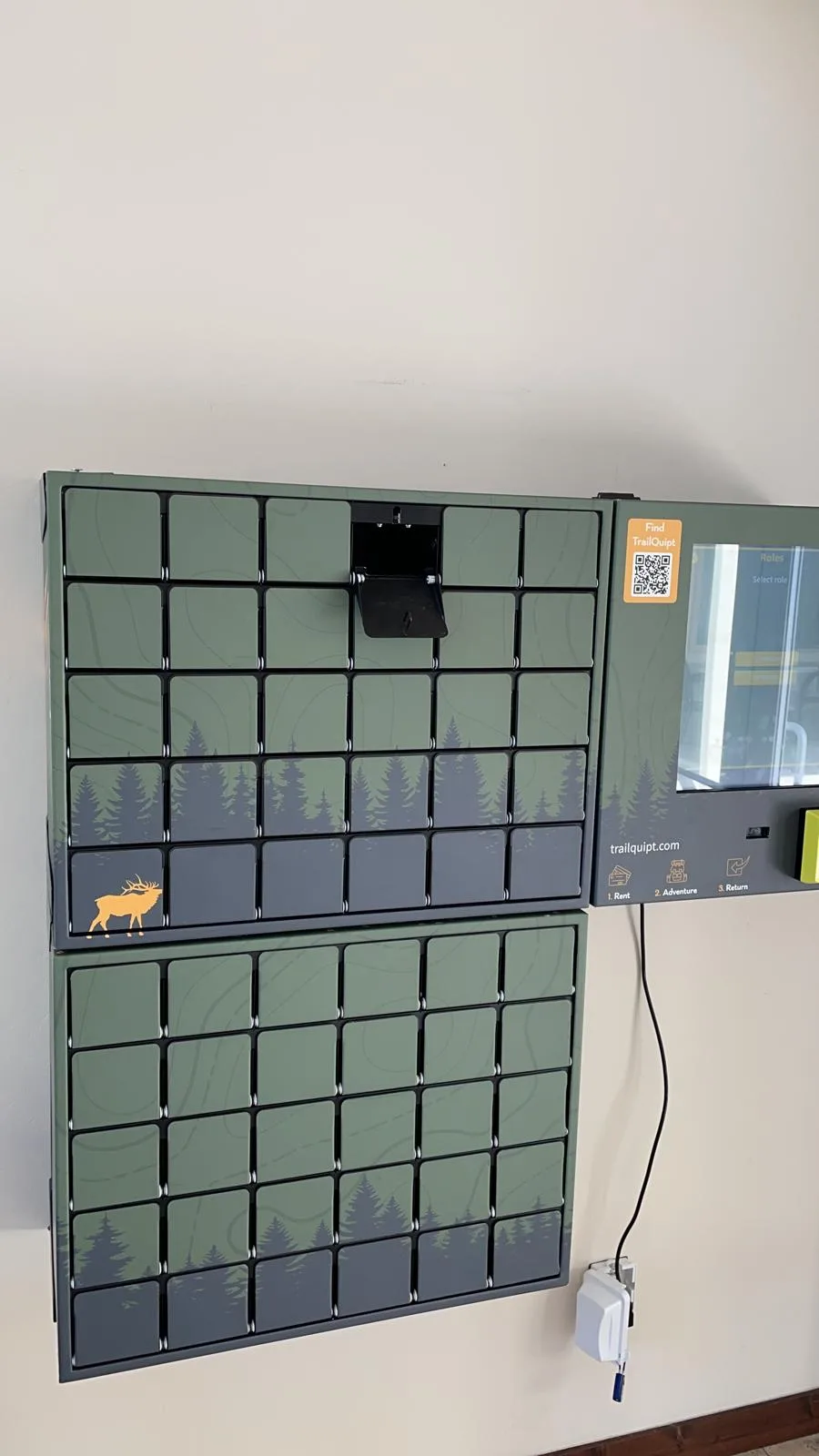
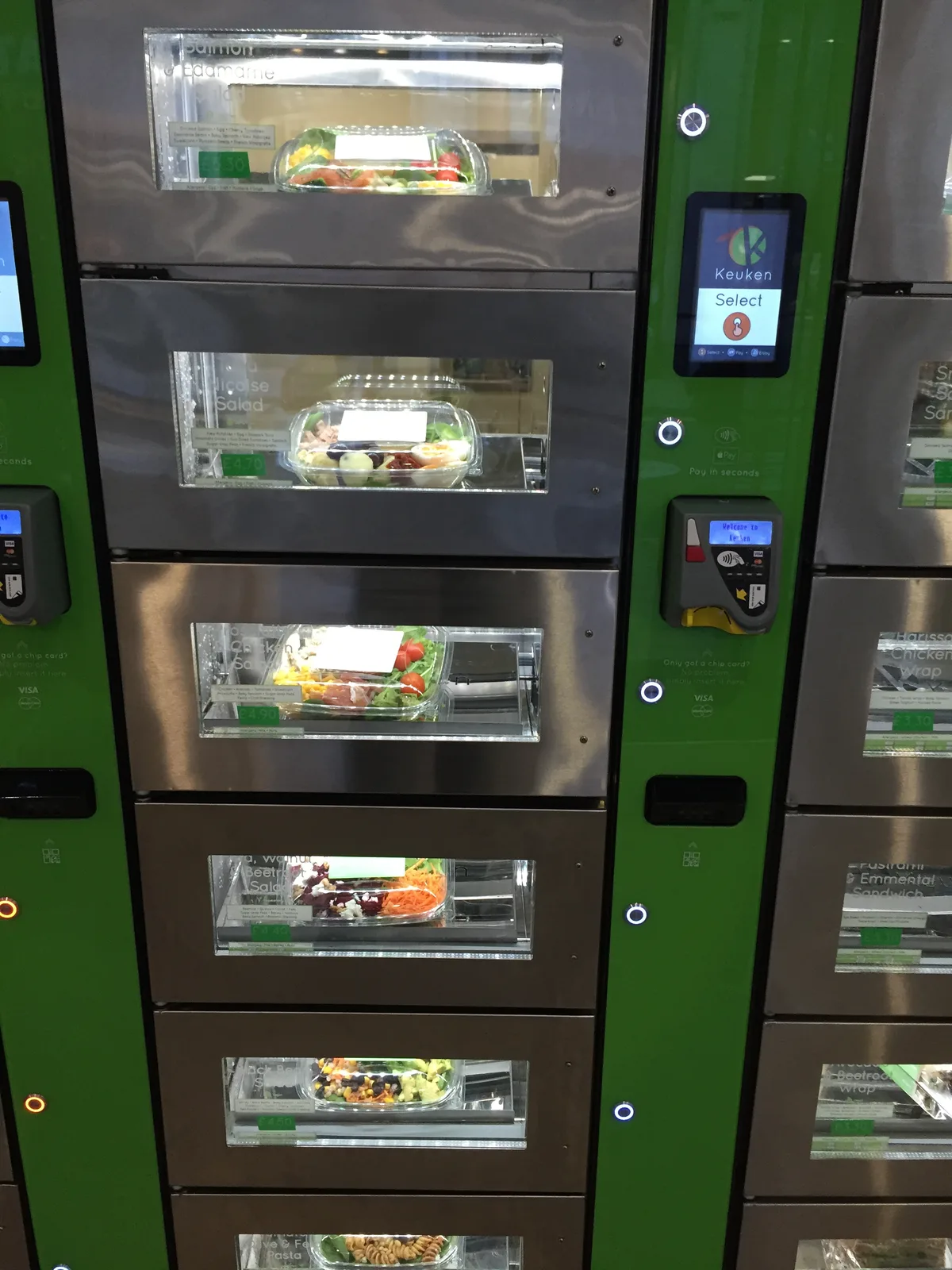
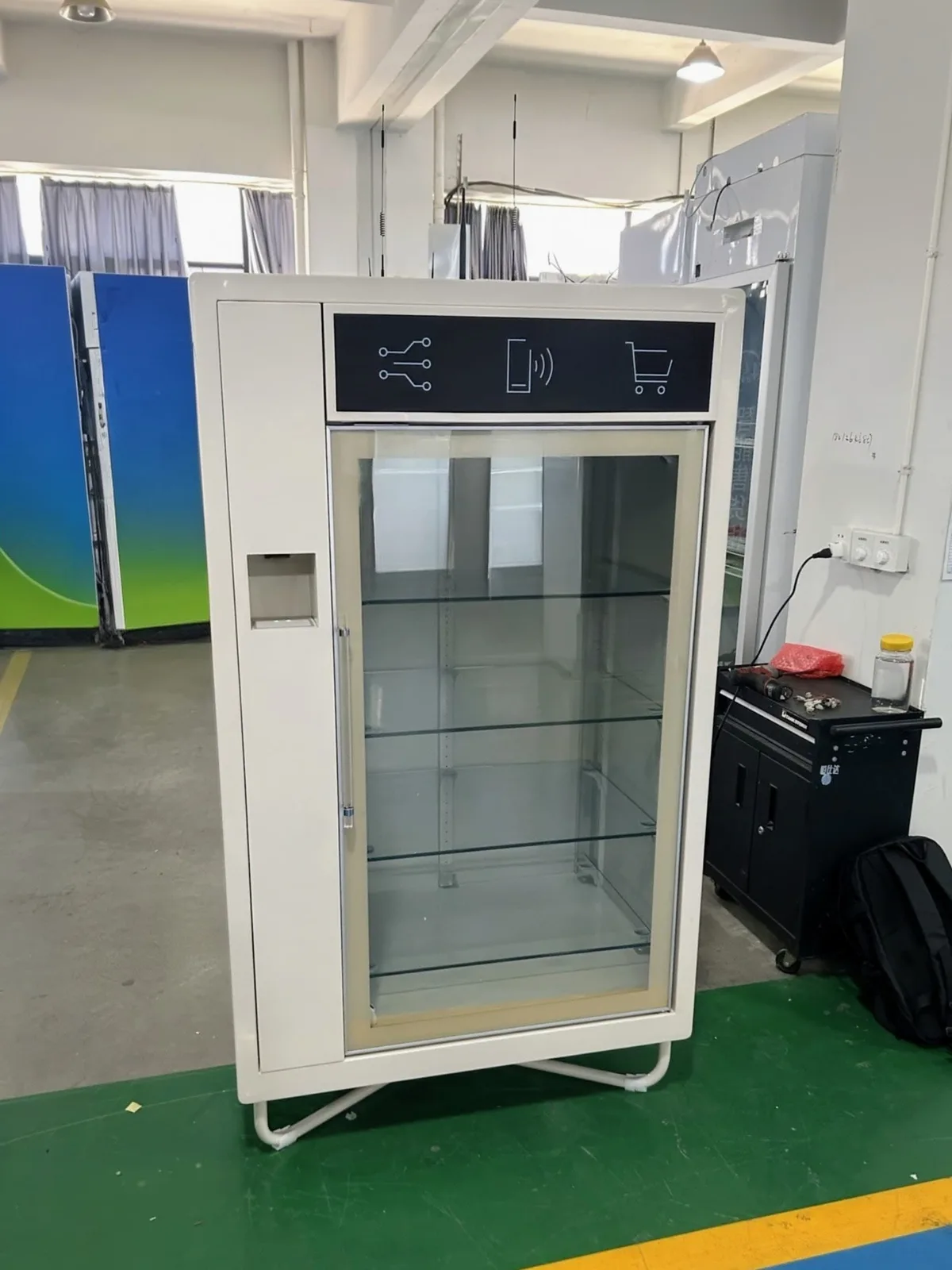
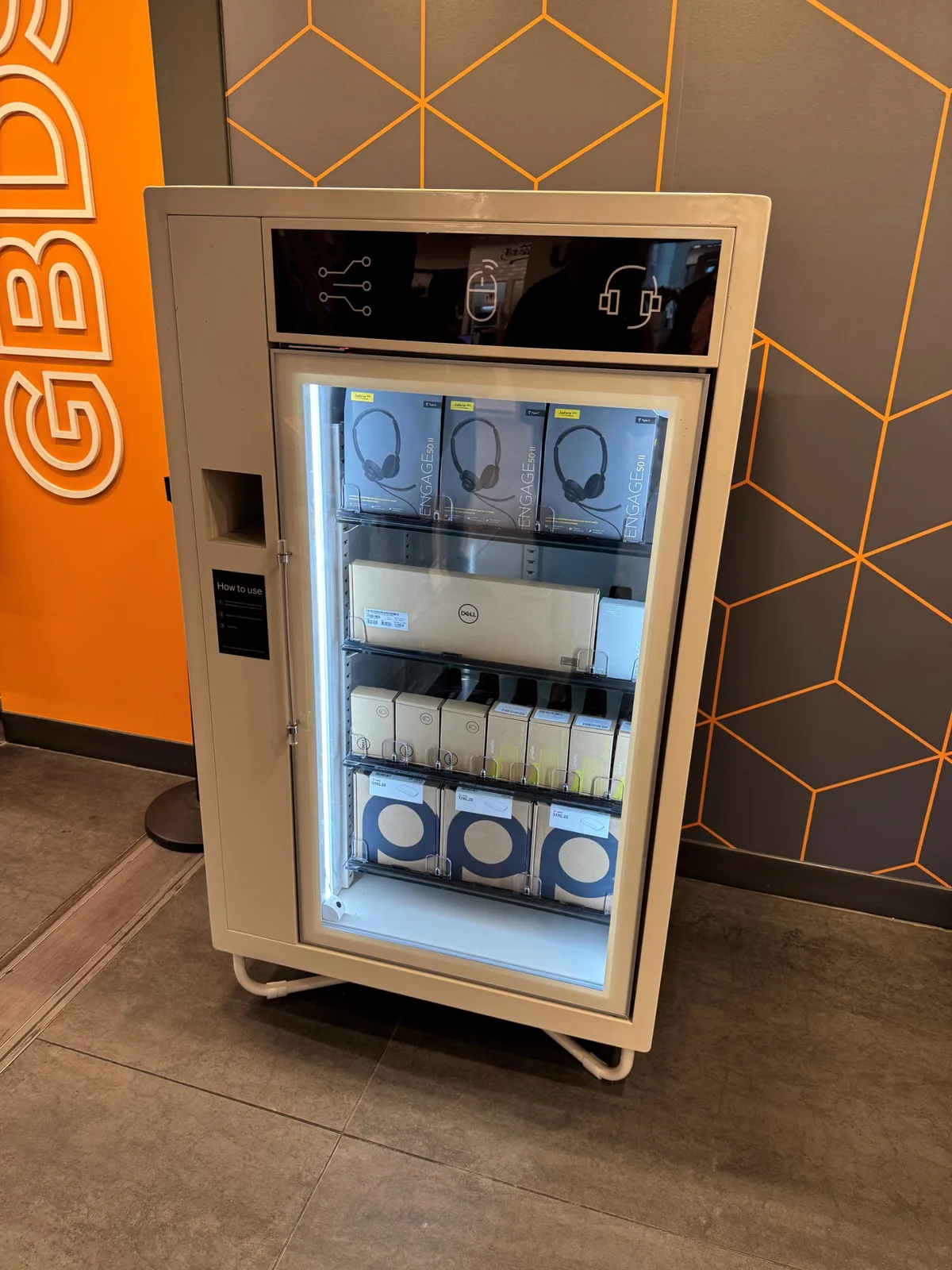
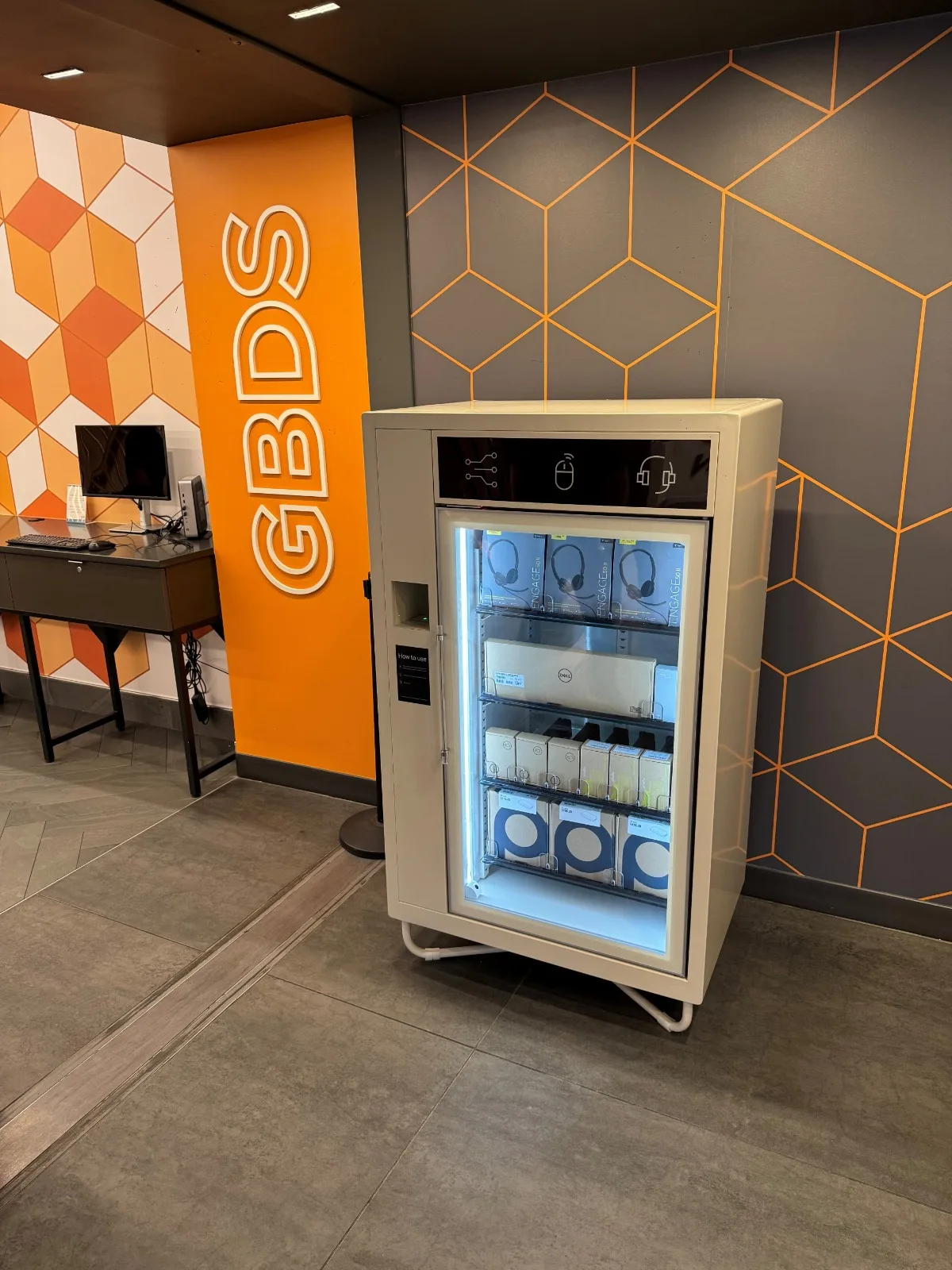
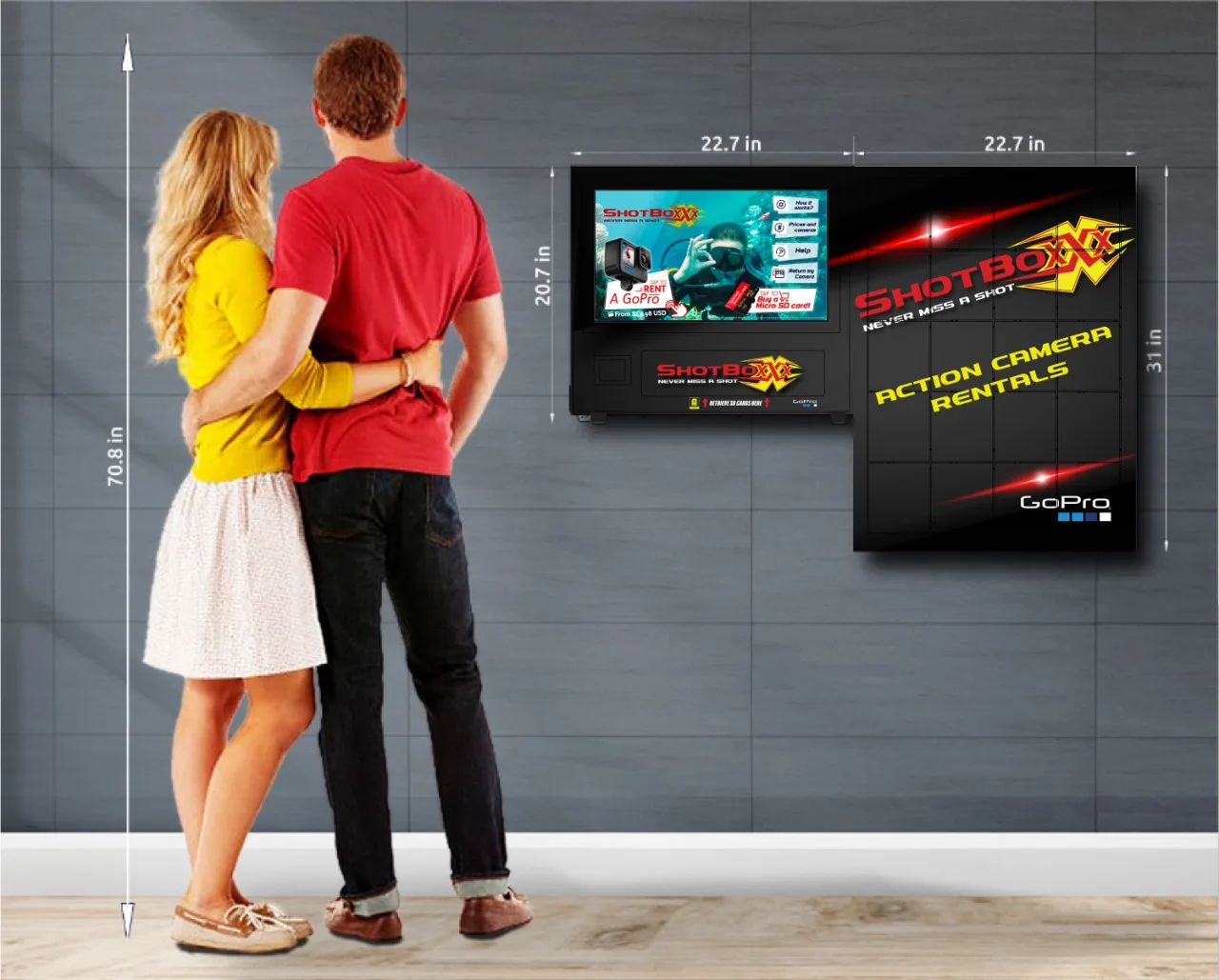
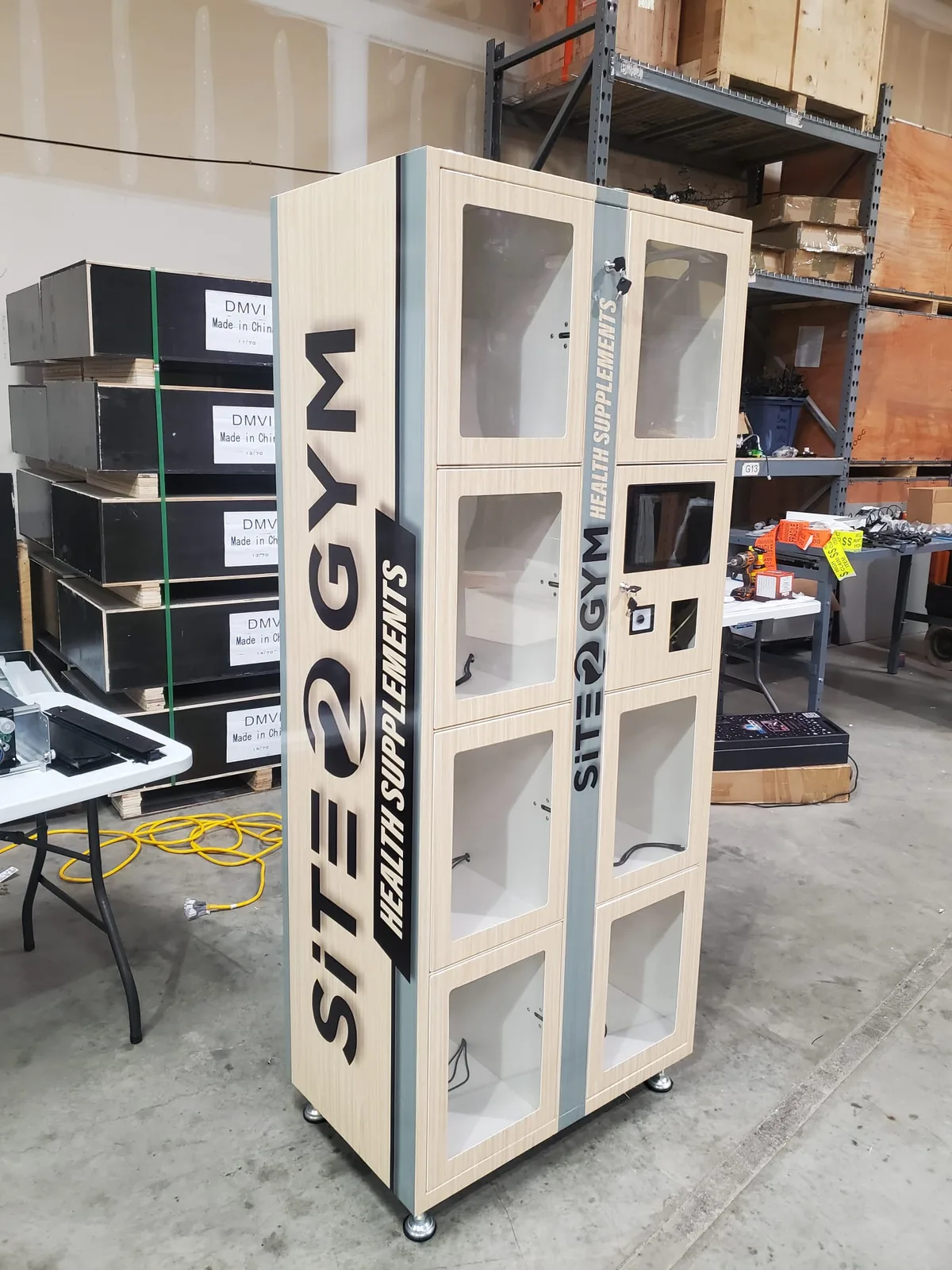
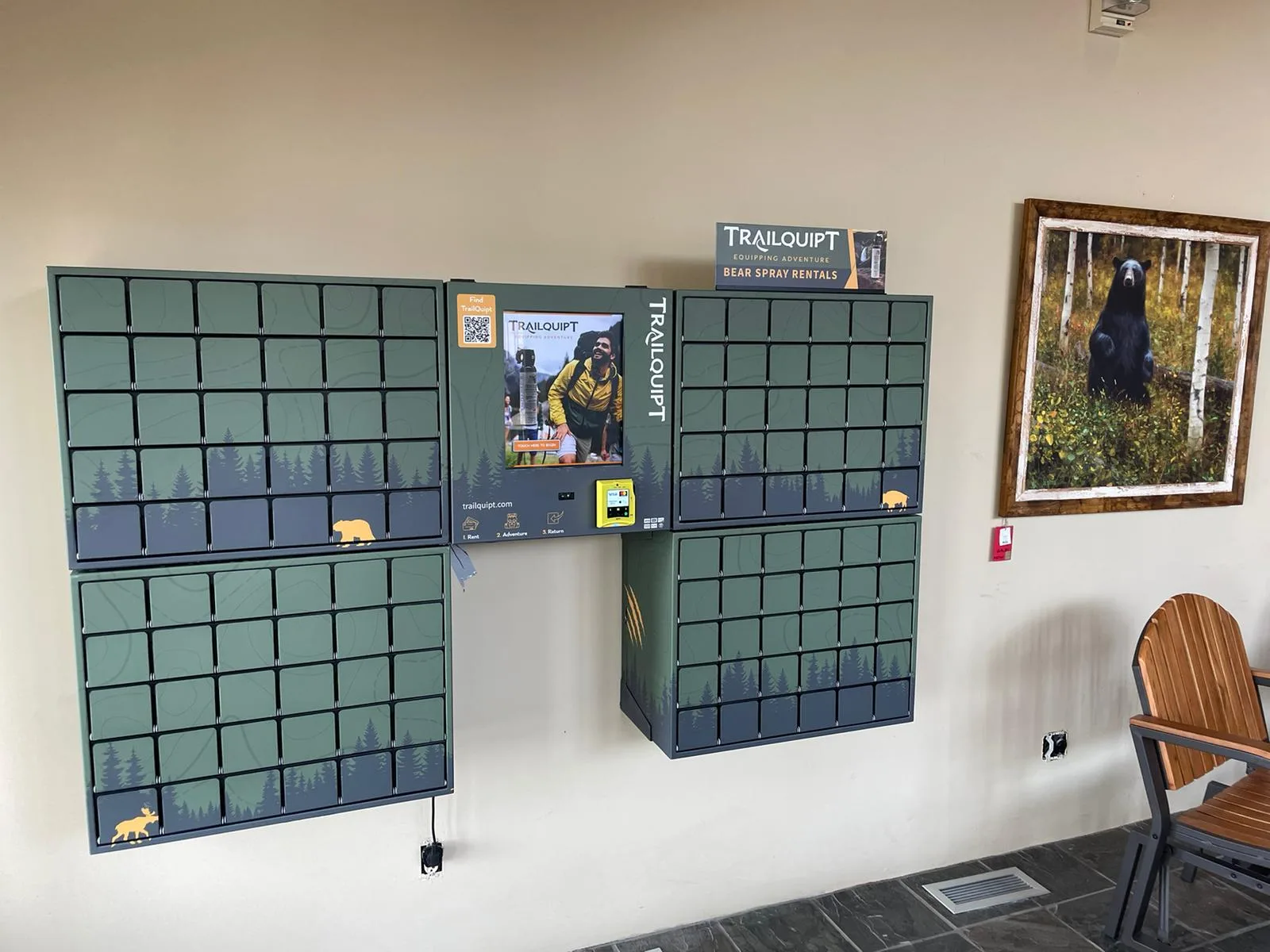
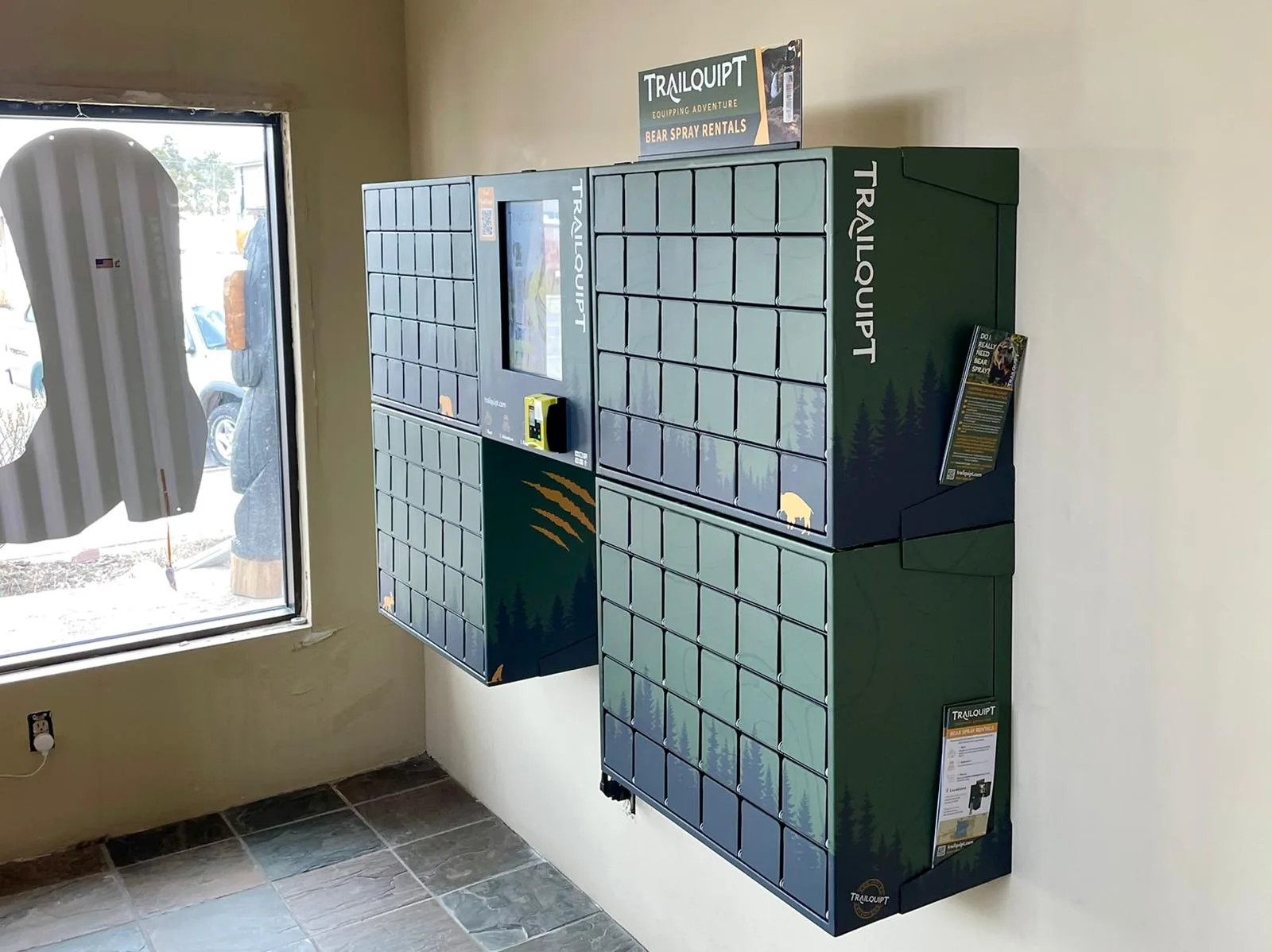
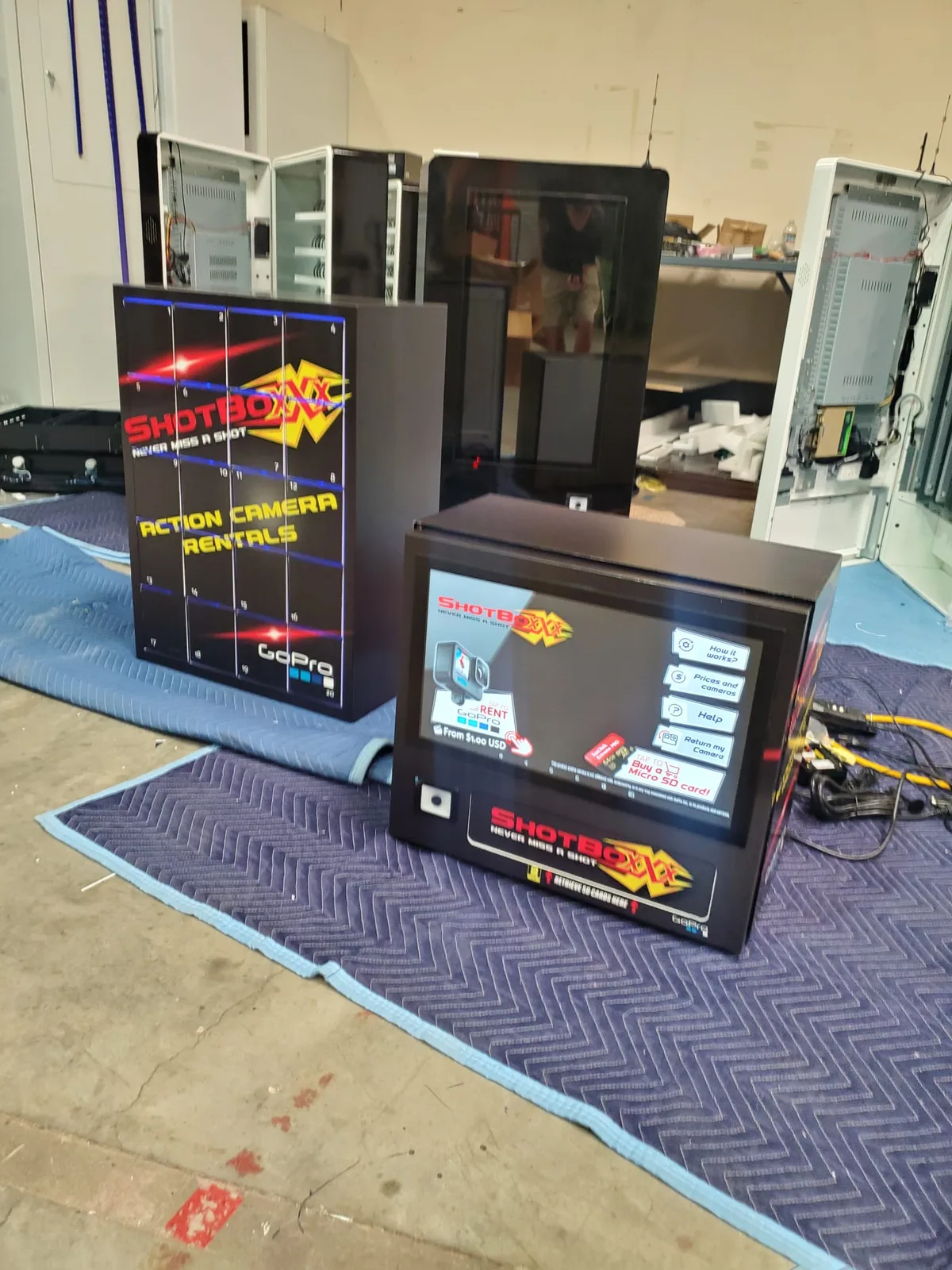
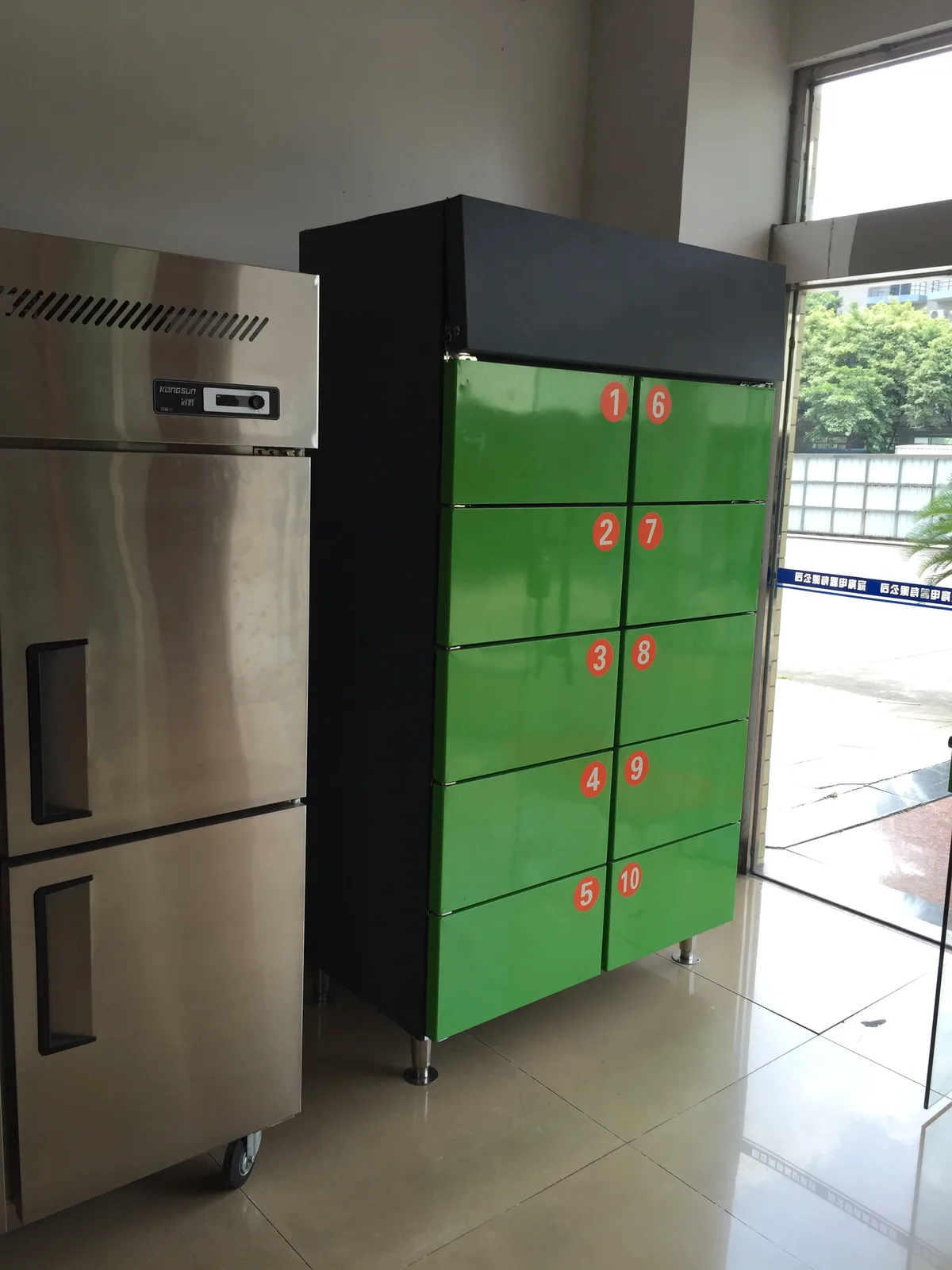
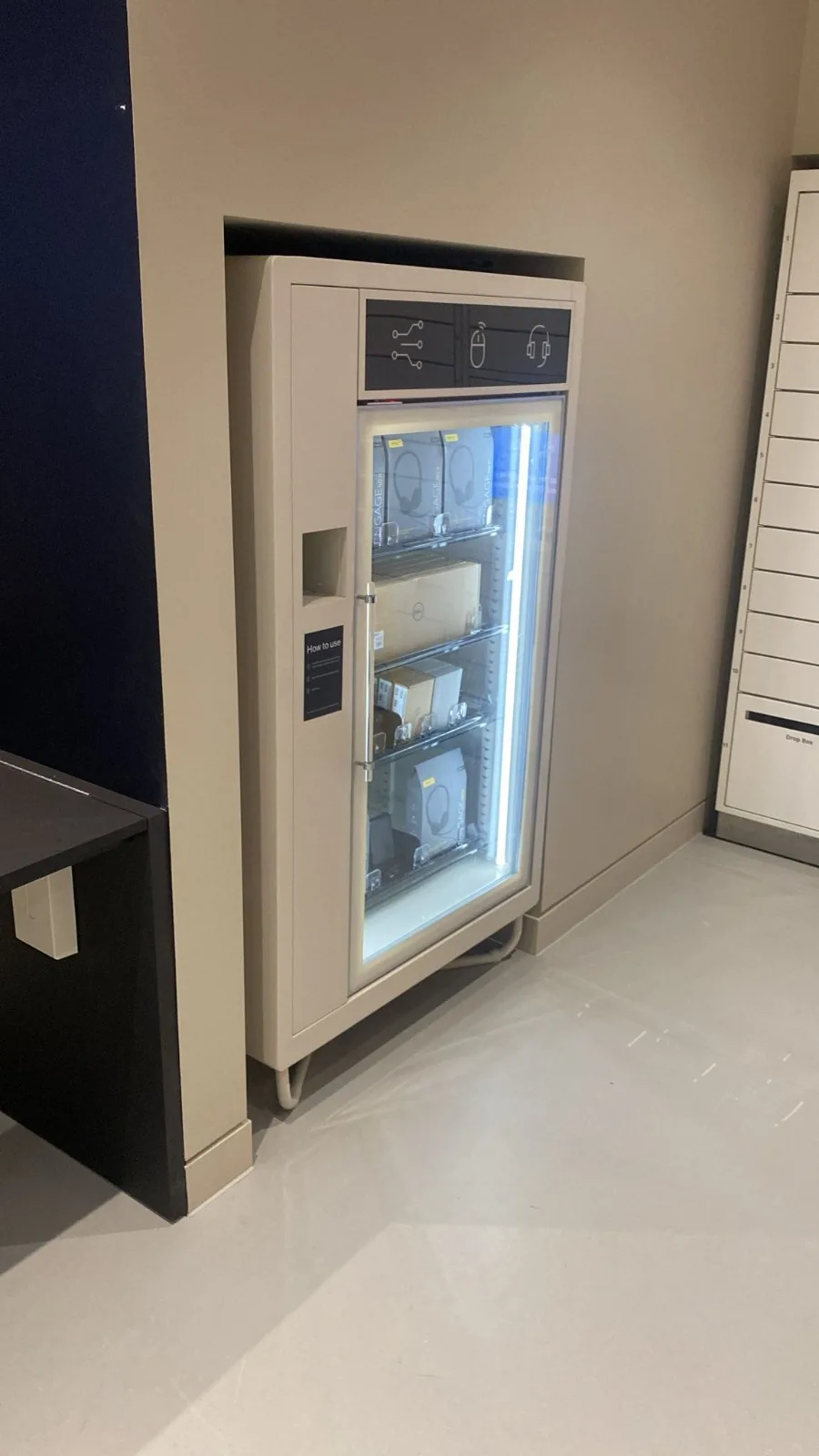
Image 1 of 20
DMVI smart locker system deployment
Tell us about the handover you want to automate
Share what is being sold, released, collected, or returned, who needs access, what systems or reporting the lockers need to fit, whether timing or compliance rules matter, and what environment the system will live in. DMVI can scope the right locker vending workflow from there.
Frequently asked questions
A locker vending system is a software-managed bank of electromechanical locker compartments that automates self-service sales, pickups, returns, and authenticated handovers in one workflow. Each transaction is matched to a specific compartment, the user authenticates via PIN, QR, RFID/NFC, barcode, or app, and the assigned door releases. In practice, the software layer is what turns the lockers into a managed transaction system instead of a row of cabinets with doors.
A regular vending machine pushes a product through a delivery chute after payment. A locker vending machine opens a specific assigned compartment to an authenticated user. That difference makes locker vending machines suitable for high-value, fragile, perishable, parcel, asset-issue, and authenticated-pickup workflows that a chute-based vending machine cannot handle.
Locker vending systems run parcel collection, click-and-collect retail, employee device issue and return, prepared food pickup, PPE distribution, secure handover, and other controlled-access workflows. The shared pattern is one managed self-service workflow handling multiple access methods, multiple item types, and an audit-grade transaction log.
Yes. Refrigerated, frozen, and heated configurations are available where the workflow needs them — meal-prep handover, pharmacy click-and-collect, controlled chemical issue, or chilled retail. Temperature class is scoped per deployment rather than treated as a default ambient assumption, because power, insulation, and service requirements all change with the thermal class.
Locker vending software is typically managed through a browser dashboard that handles compartment assignment, credential delivery, release permissions, override control, and the transaction log behind each pickup, return, or handover event. The locker doors are the endpoint; the management layer is what keeps the workflow usable after deployment.
Yes, and serious programmes usually need that. The locker platform should be able to fit into the surrounding order, parcel, asset, or identity process so transaction history, user entitlement, and exception handling do not live in separate disconnected tools. The exact integration path depends on the deployment, but the principle is simple: the lockers should behave like part of the workflow, not like an isolated box with doors.
Both models exist. A standalone locker dashboard can be enough when staff create transactions directly in the locker platform and the workflow is operationally simple. As soon as the programme depends on another order, parcel, asset, or identity system, the better answer is usually some level of integration so triggers, permissions, exception handling, and reporting do not end up split across separate tools. The rule is straightforward: the more the lockers are part of a bigger business process, the less sensible a purely standalone model becomes.
Yes, and many serious workplace, healthcare, and asset-control deployments should. A one-time QR or PIN is enough for some public pickup workflows, but staff issue-and-return programmes often work better when the locker platform checks an existing badge, directory, or entitlement source instead of forcing users into a separate identity flow. The key design question is not just how the door opens, but who is entitled to collect, approve, extend, override, or manually release when the real-world situation changes.
At minimum, the platform should provide searchable transaction history, exception and override history, and exports that fit the surrounding business process. Support teams need to find events by order number, recipient, door, badge, or credential; compliance or site management may need to review failed attempts, manual releases, expiry events, and who approved them; and finance, parcel, healthcare, or asset teams often need those events exported into another reporting environment. If the data only makes sense inside the locker dashboard, the reporting layer is still under-scoped.
A useful software brief should cover what system creates the locker event, who is allowed to collect or override, what happens when a pickup fails or a timing window expires, and what reporting or audit trail needs to exist after the transaction. If those four points are vague, the project is usually still describing cabinets rather than a managed workflow.
Often yes, once the lockers are part of a wider order, parcel, asset, or service process. The real requirement is not a buzzword checklist but a clear event contract: which system owns the transaction, what state changes can occur, how success or failure is sent back out, and how duplicate or delayed messages are handled. Even in API-led deployments, a sensible export and reporting path still matters for reconciliation, dispute review, and fallback operations.
At minimum, the weekly operating view should show pickup success rate, failed attempts, expired or abandoned collections, manual overrides as a percentage of total transactions, alert quality, and site-by-site exception burden. The point is not to admire charts. It is to see whether a location, credential type, door group, or workflow is quietly degrading before the complaints arrive.
On day one, staff should be able to search the live transaction quickly, resend or extend access credentials, reassign a compartment when the real-world situation changes, review exception history, and escalate or override only with the right permissions. If the dashboard cannot support those five actions cleanly, the software layer is still under-specified.
The software should turn that event into an owned recovery task, not an improvised side conversation. Support or site operations should see the locker bank, door, credential status, timing window, and recent event history immediately; the platform should record who manually opened, extended, reassigned, refunded, or cleared the transaction; and the incident should close with a reconciled audit trail rather than three different stories in three different systems. If the deployment cannot do that, the incident model is still under-scoped.
There is no universal single number, which is exactly why the retention rule should be set deliberately before go-live. Routine pickup logs, failed attempts, override records, camera-linked evidence, and compliance-sensitive events may deserve different retention periods depending on the workflow, venue, and regulatory posture. The sensible standard is to keep only what the business process, support model, and audit obligations genuinely require, make role-based access explicit, and ensure exports or legal-hold reviews do not rely on improvisation.
Before go-live, test that credential delivery still works when the user arrives early, late, or on the wrong device; confirm permission rules match the real org chart; make sure door faults, failed pickups, and expired collection windows alert somebody useful; verify the reporting export says what finance or ops actually needs it to say; and rehearse the manual recovery path for disputes, door faults, or a network drop. If those five checks have not been run, the launch is still relying on hope as a systems-integration strategy.
DMVI manufactures and supplies locker vending machines direct, including refrigerated and OEM/white-label configurations, with US headquarters and international project capability. The fastest path is a written brief — product type, compartment count, access method, deployment country, integration scope — sent through the contact page. Expect a real number within 24–48 hours for straightforward builds.