Workplace Lockers — Day-Use, Shift, and Hybrid-Office Smart Locker Systems
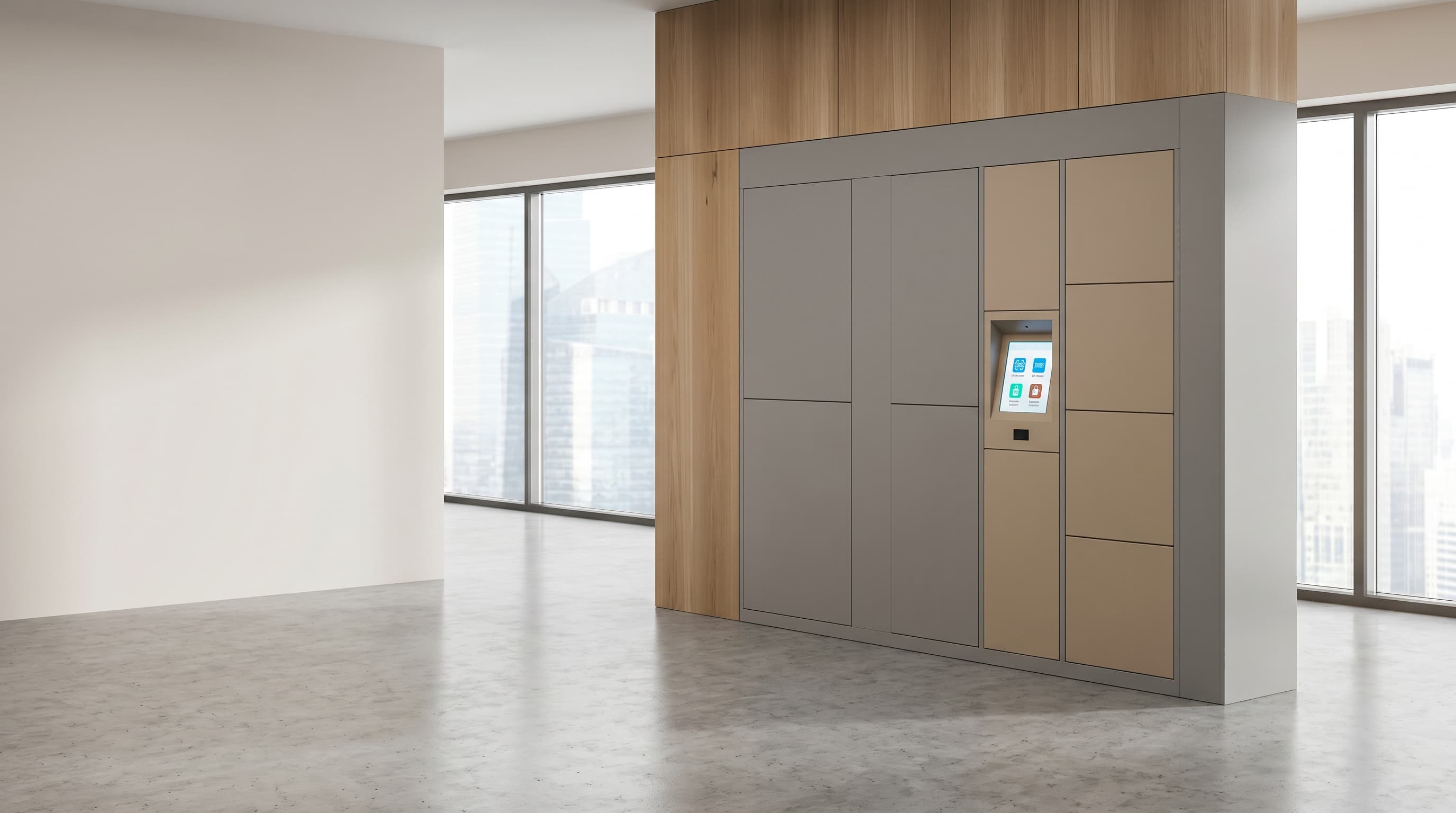
A workplace locker is a software-managed personal-storage compartment assigned dynamically to staff, contractors, or visitors instead of being permanently bolted to one named employee (Wikipedia: Locker) (Wikipedia: Smart lock). DMVI workplace locker systems run day-use, hot-desking, shift-based, and visitor-pickup allocation across hybrid offices, campuses, and shared workplaces where fixed-assignment banks waste 40–70% of compartment-hours. Software controls who gets access, how long the access lasts, what happens at expiry, and how facilities recovers a forgotten coat or laptop bag without bolt-cutters. This page covers personal storage and managed allocation. If the workflow is accountable issue-and-return of tools, IT devices, PPE, or keys, compare with asset management lockers. If the workflow is paid public access, compare with locker rental systems.
Hybrid-office storage needs a different model from asset control or public rental.
Permanent assignment was a fixed-seat-economy answer to a fixed-seat workplace. Once the same compartment goes unused four out of five business days, the bank is paying floor-space rent for empty steel. The real workplace question is who gets a locker, for how long, on what credential, and what happens after they leave the building.
A workplace locker system runs four allocation models off the same hardware bank: day-use, session-based, reservation-based, and exception-managed. The same fifty-door bank that supported fifty named employees can now serve 150–250 hybrid users on a typical week, depending on attendance pattern.
Compare nearby workflows
A workplace locker system runs four allocation models off the same hardware bank
- Day-use: released at midnight or end of shift.
- Session-based: released when the badge taps out.
- Reservation-based: booked from an app for a specific window.
- Exception-managed: admin override for forgotten items, expired credentials, or HR-flagged accounts.
Workplace locker workflows DMVI scopes
Hybrid office day-use
Releases compartments at end of business day so the same bank serves rotating attendees.
Hot-desking
Pairs locker assignment to desk booking so storage moves with the desk reservation.
Visitor and contractor
Issues a single-use credential at reception or self-service kiosk that expires when the visitor leaves.
Shift-based workforce
Reuses the same compartment across two or three shifts per day with auto-reset between handovers.
Campus and multi-tenant
Runs separate allocation policies per tenant, department, or building from one cloud admin.
Amenity-led staff
Treats lockers as part of workplace amenity provision with reset rules and exception handling.
What the software layer actually runs.
The cabinet is the easy part. The allocation engine, access policy, occupancy visibility, and recovery workflow are what keep hybrid-office storage usable.
Access
RFID, NFC, badge, PIN, QR, or mobile-app credential. Multi-credential per user where the site needs it.
Allocation policy
Day-use, shift, session, reservation, and named-assignment models with per-bank and per-tenant policy.
Expiry and reset
Auto-release at configurable time, end of shift, or session timeout, with warning notifications before reset.
Booking
Reservation windows from a workplace app or Microsoft 365-style workflow, with conflict prevention.
Occupancy
Real-time map of free, occupied, overdue, and exception-flagged compartments so facilities does not have to floor-walk.
Admin override and recovery
Abandoned-item retrieval workflow, badge-loss recovery, and HR-flagged account handling.
Audit
Every open, close, override, and reset is logged with timestamp, user, and operator.
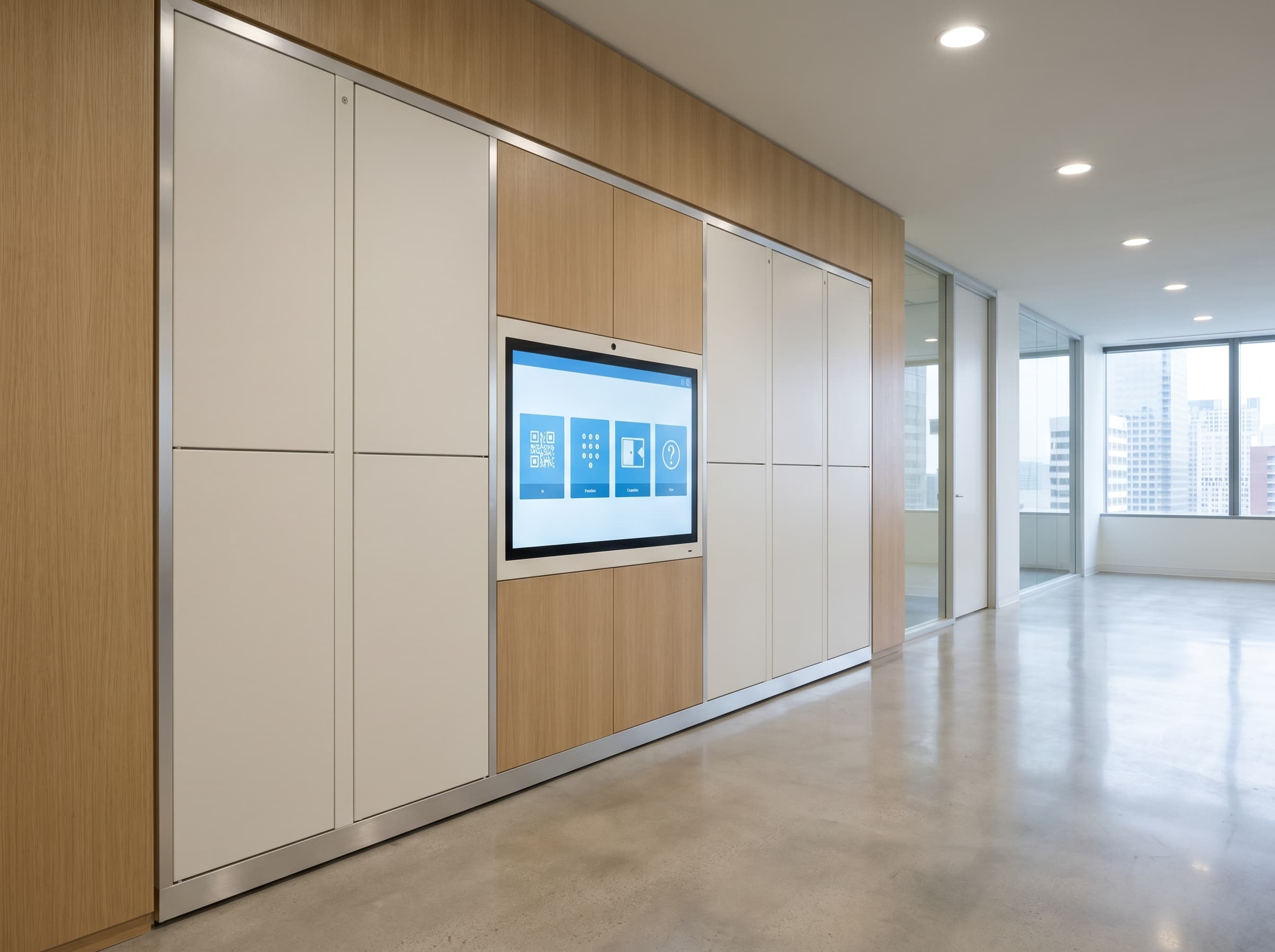
Explore related locker workflows
Compare nearby workplace and allocation workflows
Workplace lockers sit closest to asset-control and timed-use locker models, so these are the most useful pages to compare next.
Asset Management Lockers
A better fit when the main job is accountable issue-and-return of tools, devices, PPE, keys, or other controlled equipment.
Locker Rental Systems
Useful to compare when the workplace needs timed or paid access logic rather than general employee day-use allocation.
Electronic Lockers
Step back to the broader workflow-led hub if you are still deciding between workplace, parcel, rental, secure handover, or asset-control use cases.
Need staff storage that fits a hybrid workplace?
Tell DMVI how often people are on site, whether access is day-use or shift-based, what credential path you prefer, and how resets or abandoned items should be handled. We can scope the right workplace locker model from there.
Frequently asked questions
Workplace lockers are software-managed personal-storage compartments used for day-use staff storage, hot-desking, visitor and contractor access, shift-based reuse, and campus or multi-tenant office allocation. They are designed for hybrid offices where fixed-assignment banks waste compartment-hours and where facilities needs an audit-grade record of who used which compartment when.
Yes. Day-use, shift-based, session-based, and reservation-based allocation are the primary reasons organisations buy software-managed workplace lockers. The same bank can serve two to three times more users per week than a permanently assigned bank by automatically releasing compartments at end of day, end of shift, or end of a booked session.
Yes. DMVI workplace lockers can be scoped around RFID, NFC, smartcard, PIN, QR, or mobile-app credentials, and most deployments combine two methods — typically a corporate badge for daily access plus a recovery PIN for badge-loss situations. Multi-credential support also lets visitors use one-time codes alongside staff badges.
The software runs an abandoned-item recovery workflow. After a configurable expiry window, the compartment is flagged on the admin map, the user is notified, and facilities can issue an admin-override credential to retrieve the item. Items move to a registered lost-and-property log, and the compartment is reset for reuse without bolt-cutters or door swaps.
Workplace lockers manage personal storage for people — day-use, shift, visitor, hybrid-office allocation. Asset management lockers manage accountable issue-and-return of equipment such as IT devices, tools, PPE, and keys with sign-out, sign-back, and overdue accountability. Both run on similar hardware but use different software policies, audit models, and integration paths.
Locker provision is not universally mandated. Obligations depend on jurisdiction, industry, and union or workplace agreements. Healthcare, food service, manufacturing, and PPE-required environments typically have explicit storage requirements. Office workplaces are usually at the employer’s discretion. DMVI scopes deployments around the operating need rather than the legal floor.