Electronic Lockers vs Vending Machines: Which One Do You Need?
Choosing between an electronic locker and a vending machine is not simply a choice between collecting an order and making a sale. Some lockers support retail purchases. Some vending systems dispense to authorized employees without taking payment. Hybrid installations can combine both approaches.
The better question is: what needs to happen to the item, and what needs to be recorded, from loading to collection or return?
Use that workflow to compare the systems. It will tell you more than a cabinet photograph or a long list of software features.
Start with how the customer receives the item
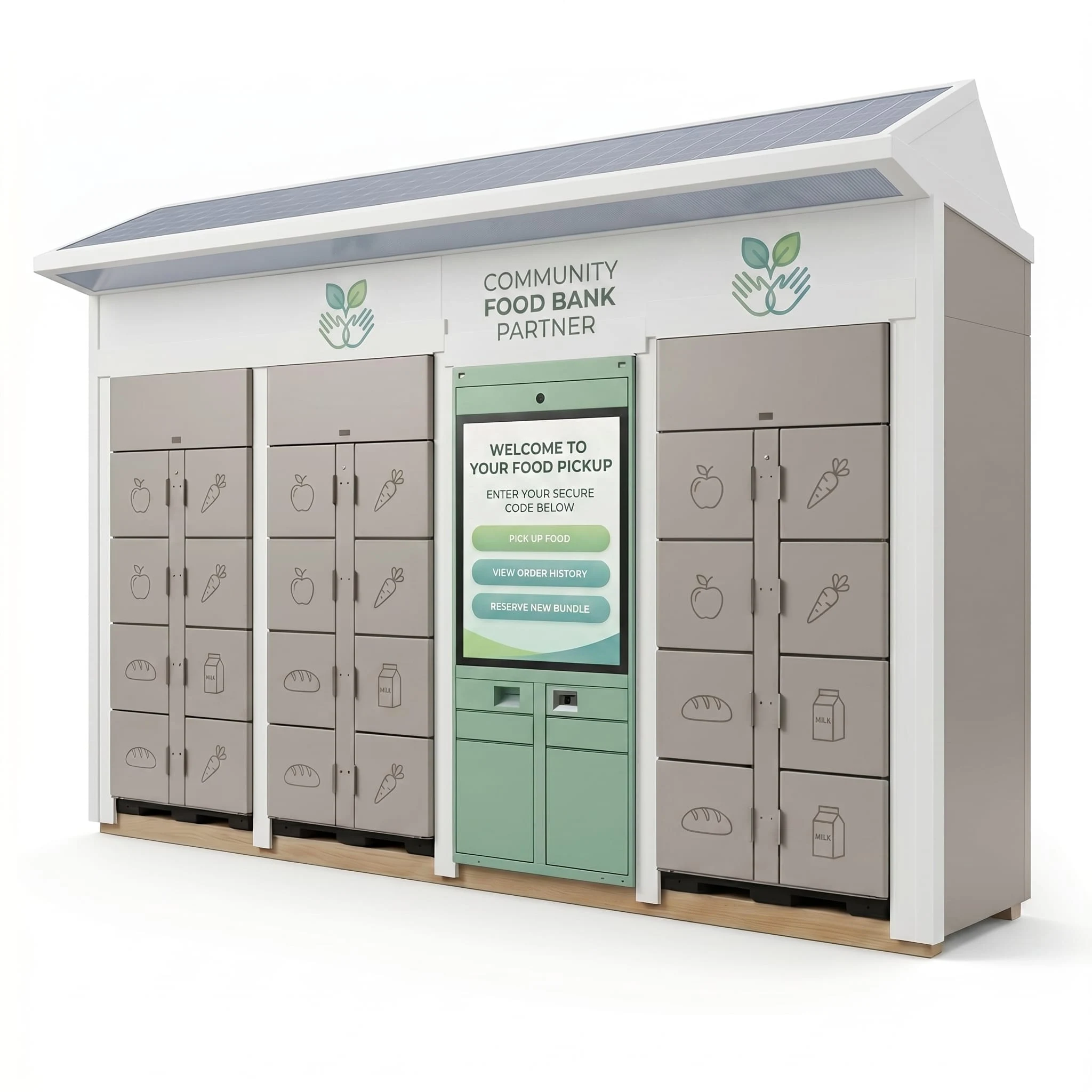
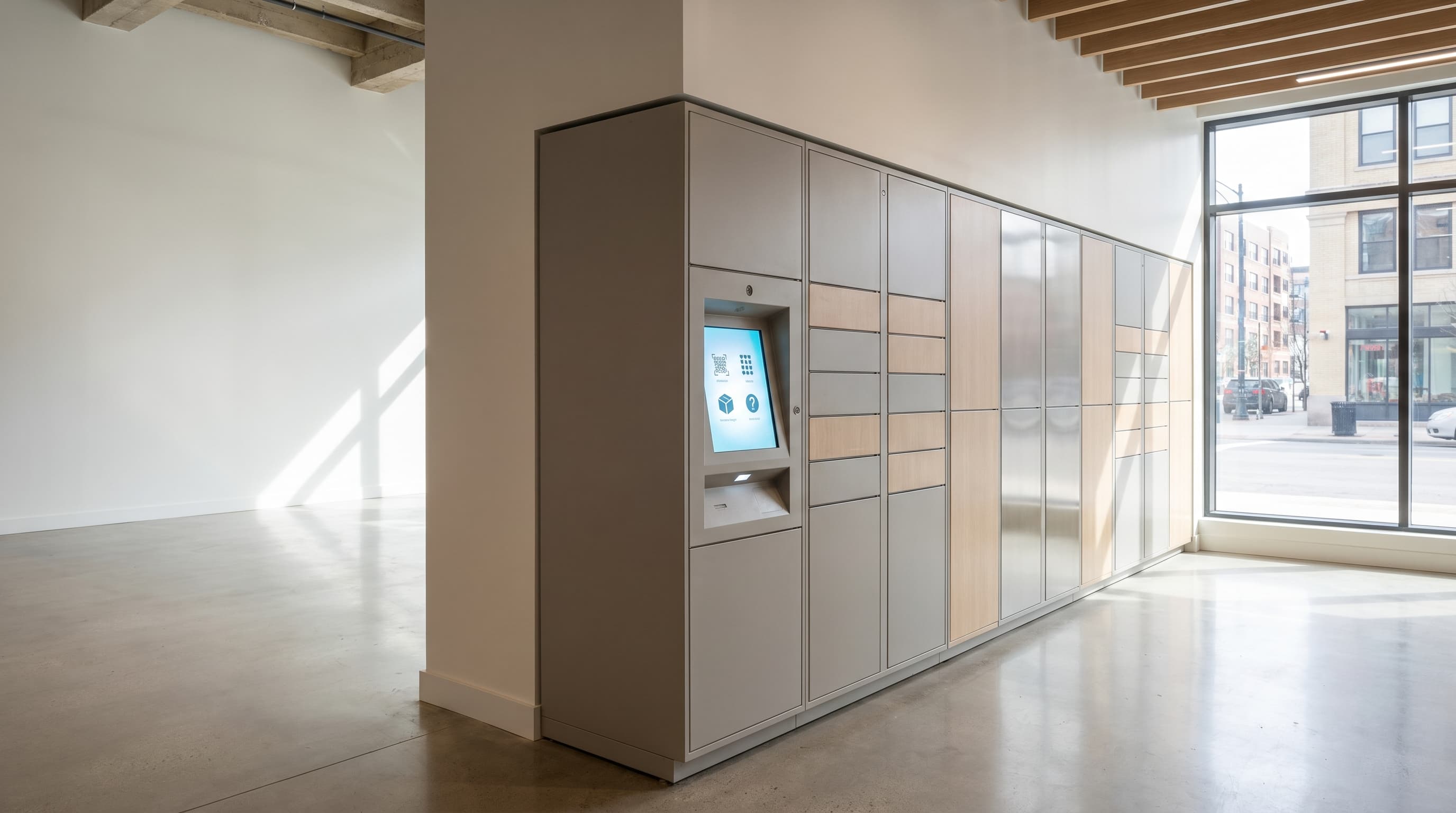
An electronic locker gives someone access to a controlled compartment. In a pickup arrangement, staff place an order inside and the customer uses an approved credential to open it. In a retail arrangement, a customer may select and pay for a product before the system releases the appropriate compartment.
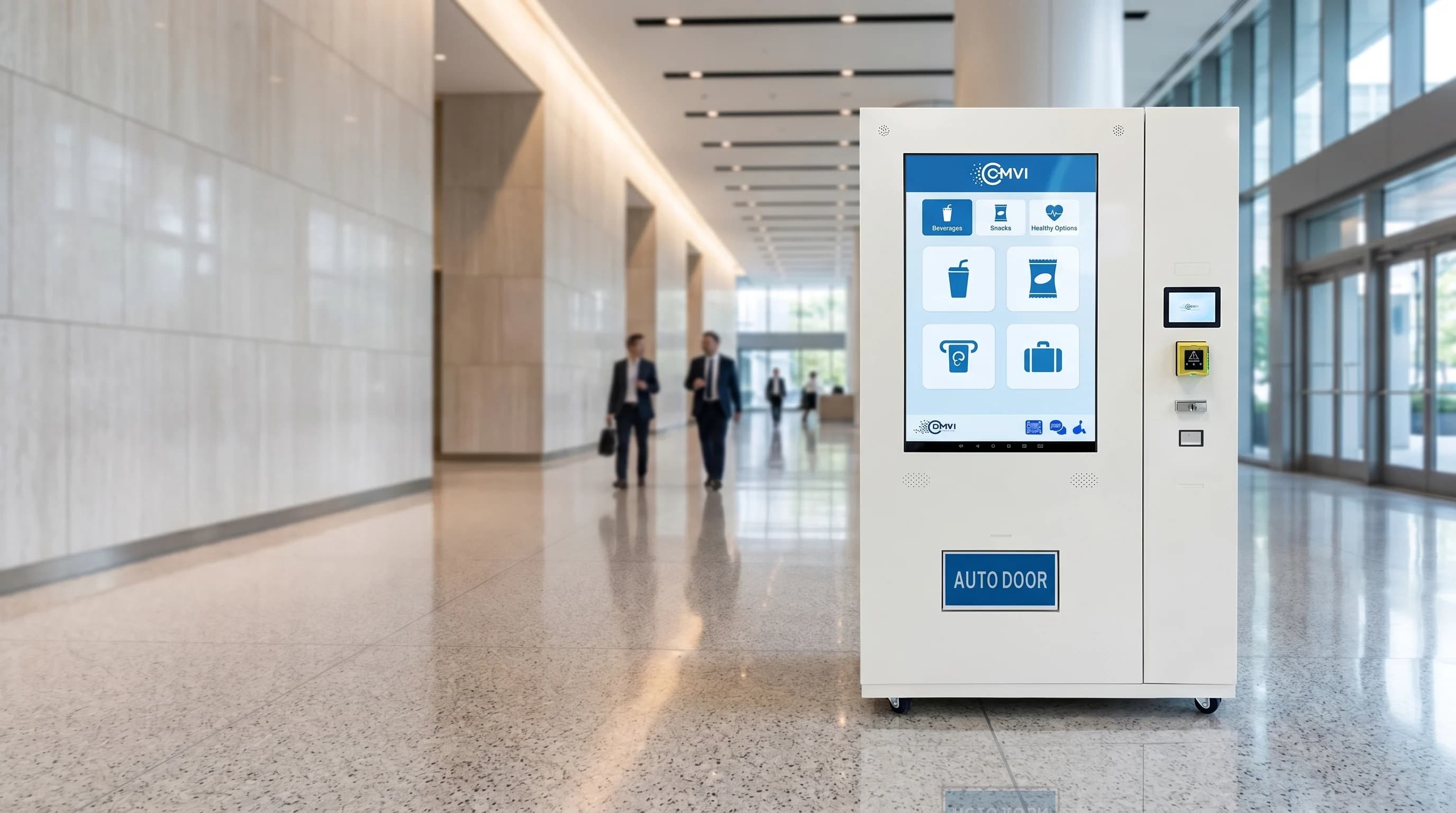
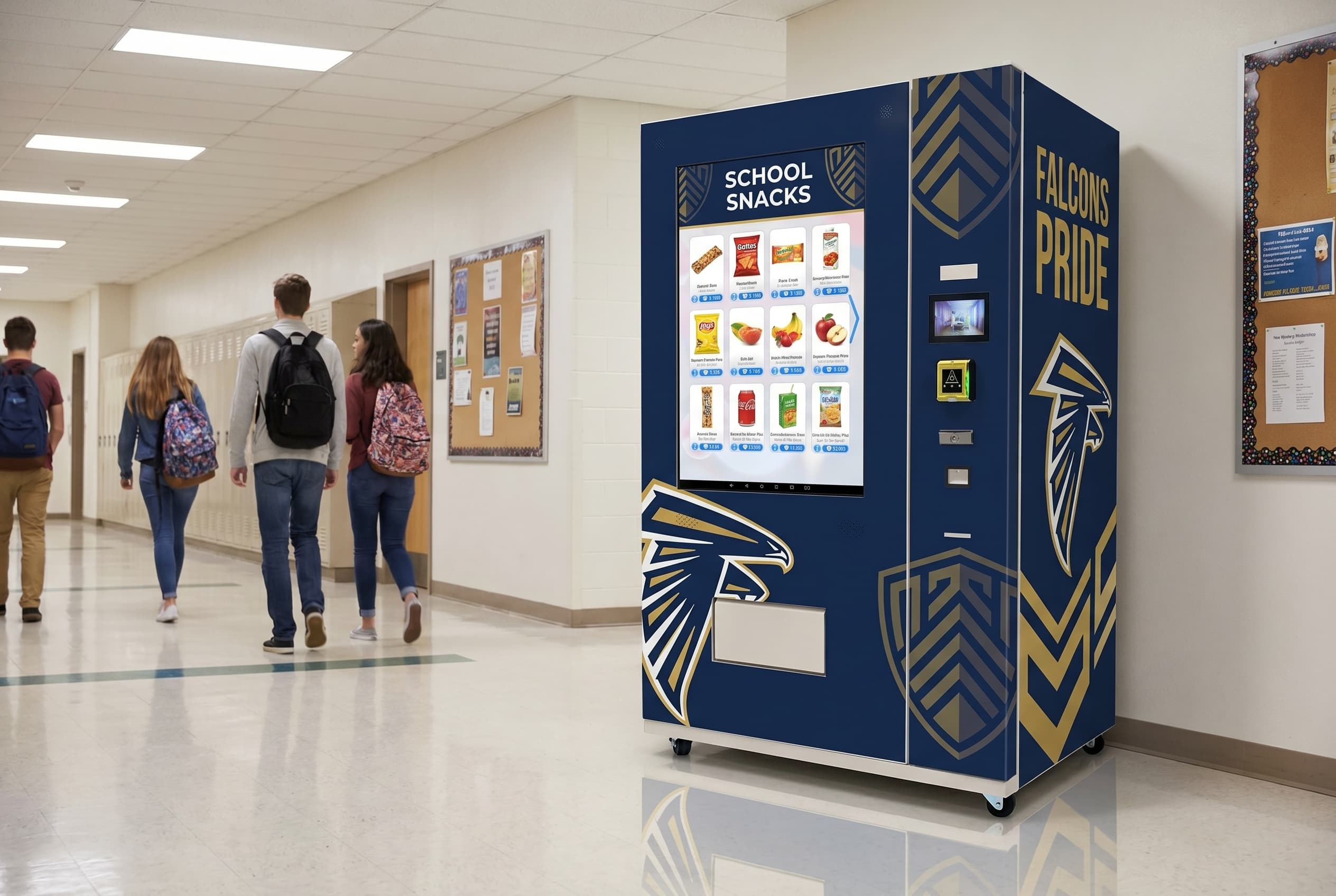
A dispenser-based vending machine generally stores stock in product positions and moves the selected item to a collection area. This can suit repeated purchases from a stocked assortment, provided the dispensing mechanism works with the packaging.
These are typical arrangements, not rigid rules. Software, payment hardware, sensors, and the selected configuration determine what the installation can actually do.
| Decision | Electronic locker approach | Dispenser-based vending approach |
|---|---|---|
| How does the customer collect? | Opens an authorized compartment | Collects an item delivered by the mechanism |
| How is stock organized? | By compartment, order, or another supported assignment | By product position and the agreed loading layout |
| Where does payment happen? | May happen online, elsewhere, or at the installation | Often at the machine; other workflows require configuration |
| Can access be restricted? | Depends on credentials and software rules | Depends on credentials and software rules |
| How are returns handled? | May support return compartments and a verification process | Often requires a separate return workflow |
| What limits usable capacity? | Compartment dimensions, allocation, and turnover | Package dimensions, product positions, and reliable dispensing |
Neither format is automatically more secure, more profitable, or easier to operate. Those outcomes depend on the selected equipment and the work surrounding it.
Write one complete transaction before comparing quotes
Describe the customer's task in plain language. Then describe the operator's task before and after it.
For example, a preorder pickup workflow might be:
- A customer orders through an approved sales channel.
- Staff prepare the order and assign a suitable compartment.
- The customer receives the pickup instructions.
- The system checks the customer's credential and releases the order.
- The order is marked collected, and the compartment becomes available under the agreed process.
A browse-and-buy workflow may instead start with choosing from available stock, completing payment, and receiving one or more products. An equipment-loan workflow adds eligibility checks, a due-back time, and a verified return.
Writing out these steps exposes missing requirements. A door-open record, for example, does not by itself prove which item was taken or that a returned tool is complete and undamaged. Ask what the proposed hardware and software can actually verify.
Match the format to the physical product
Start with the item in its final packaging. Measure it, weigh it, and identify any handling or storage requirements.
A compartment can be useful when an item should remain stationary until collection, when staff need to load a complete customer order, or when a shape is difficult to move through a dispensing mechanism. That does not mean every locker has the right dimensions or access arrangement.
A vending machine can be useful when an operator wants to stock multiple units of selected products for repeat sales. Coils, belts, elevator delivery, and other mechanisms have different strengths. Fragile or premium packaging needs evaluation with representative samples, not a blanket assumption that one method always prevents damage.
Compare usable capacity, not just headline numbers. How many of your actual products fit? How many selections can be offered? How often will staff need to visit? A large compartment holding a small order and a dispensing lane that cannot reliably handle its assigned package both waste capacity.
Temperature-controlled goods require the correct equipment specification in either format. A chilled compartment is not a freezer, and a secure door is not proof that food or regulated products can be stored and supplied appropriately.
Decide whether the item is sold, assigned, or expected back
This decision affects the software and operating procedure as much as the cabinet.
For preassigned pickup, confirm order-to-compartment assignment, notification methods, pickup deadlines, and how uncollected orders are handled. If integration with your ordering system is needed, confirm its scope rather than assuming it is built in.
For retail sales, confirm product selection, payment, pricing, availability, and the response when a customer pays but cannot collect the item. A retail locker can be an option; lockers are not limited to transactions completed elsewhere.
For employee supplies or equipment loans, confirm who is authorized, what limits apply, which records are kept, and what happens when an item is not returned. A return compartment may support the workflow, but item identity, quantity, condition, and readiness for reuse still need a defined check.
Test the exceptions, not just the successful purchase
A supplier demonstration should show the transaction you plan to offer. Ask to see how the proposed configuration handles relevant exceptions:
- An invalid or expired pickup credential.
- A declined payment or an interrupted transaction.
- A product that does not dispense or a compartment that does not open.
- An empty product position or incorrectly loaded order.
- A connectivity interruption.
- A customer who needs help retrieving an item.
- An overdue loan, uncollected order, or disputed return.
Not every system will resolve each event automatically. What matters is knowing what is detected, what the customer sees, what is recorded, and when a person must intervene.
Also check the operator side: who can open compartments, change prices, adjust inventory, view records, and investigate problems? The access and reporting you need should be part of the agreed scope.
Include the work between customer visits
Self-service does not eliminate loading, cleaning, inspection, replenishment, or support.
A pickup locker may need staff to prepare and load each order. A retail vending machine needs stock replenishment and checks on packaging and dispensing. A rental or loan installation may need someone to inspect and clean returned items before making them available again.
Confirm the delivery and installation requirements as well. Access routes, available power, connectivity, ventilation, maintenance space, and customer accessibility can affect the viable design.
Operating hours depend on the location and the service arrangement. An installation inside a locked building does not provide unrestricted 24-hour access simply because it can complete transactions without an attendant.
Compare complete operating costs
Use an itemized proposal that separates equipment, software, payment hardware, integration work, graphics, delivery, installation, and support. Include any recurring license, payment-processing, connectivity, and service charges that apply.
For standard DMVI™ machines, the payment terminal, annual software license, shipping, wrap, and selected topper are separately priced and payable upfront where applicable. Locker and hybrid projects should have their own clearly specified scope; do not assume identical software or commercial terms across every product.
If financing is part of the purchase, compare the written total cost and payment schedule—not an advertised monthly amount in isolation. A sales forecast is also separate from equipment capability: either format needs a workable location, product offer, and operating plan.
Choose the workflow first, then the equipment
Bring DMVI your product samples, expected customer journey, site requirements, and the records you need to keep. Use the vending machine range as a starting point for discussing the appropriate format, including whether a locker or hybrid approach belongs in the project.
The useful comparison is not “Which cabinet does more?” It is “Which configuration can complete our transaction reliably, and what will our team need to do to keep it running?”
Discuss your project with DMVI
Bring your product samples, site requirements, and intended customer experience to the conversation.