Digital Vending Machines: When to Upgrade and What to Specify
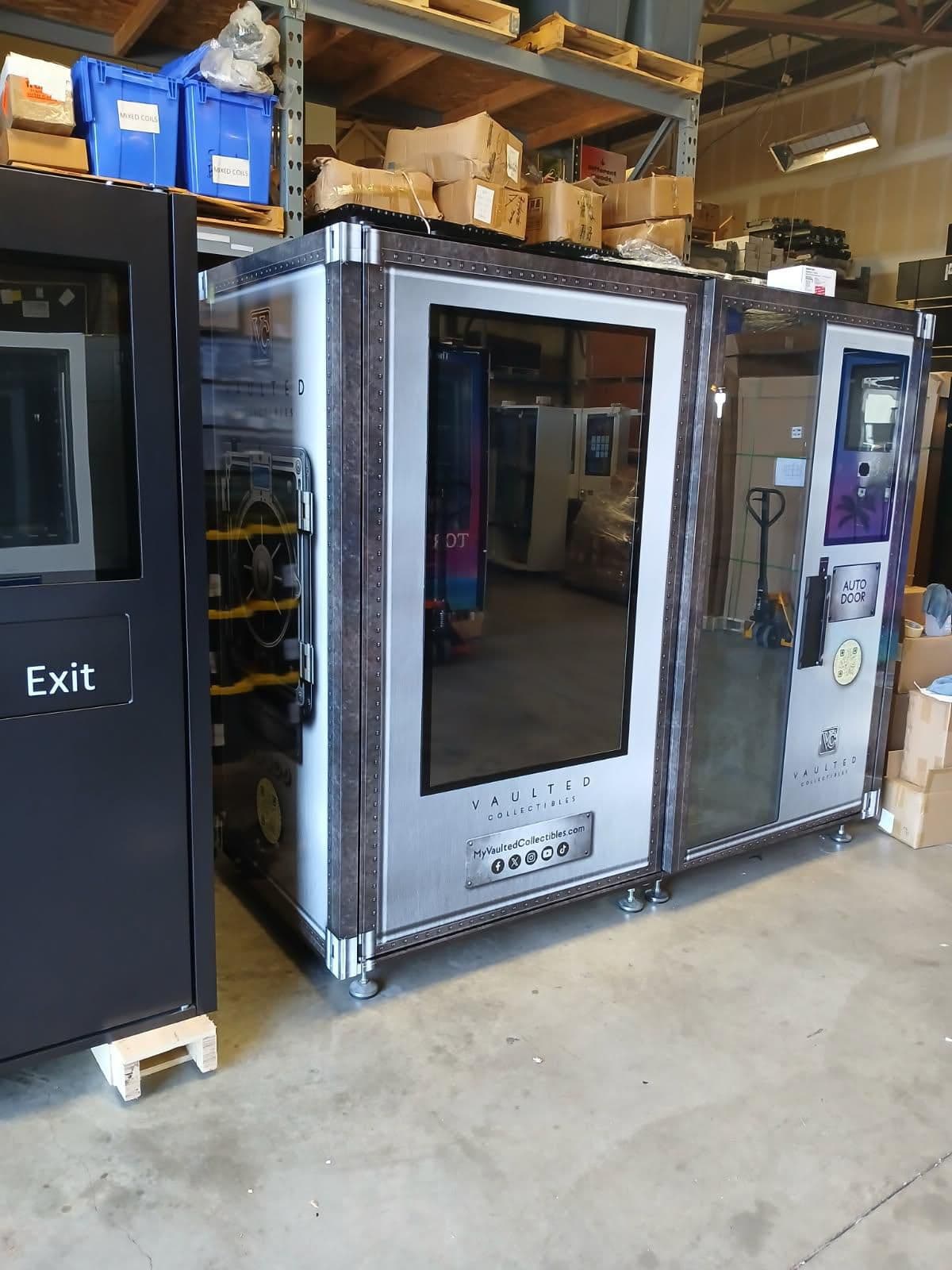
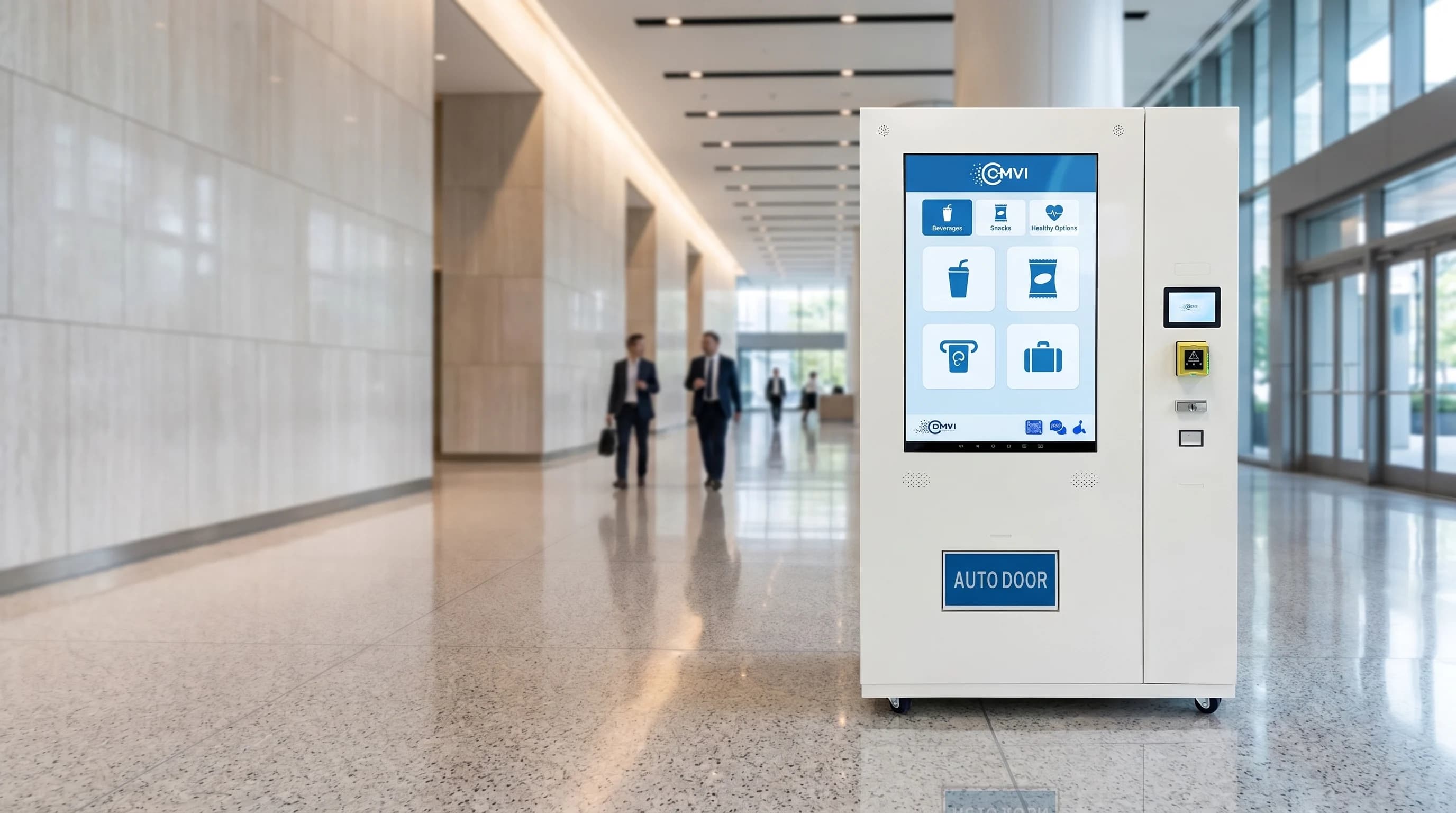
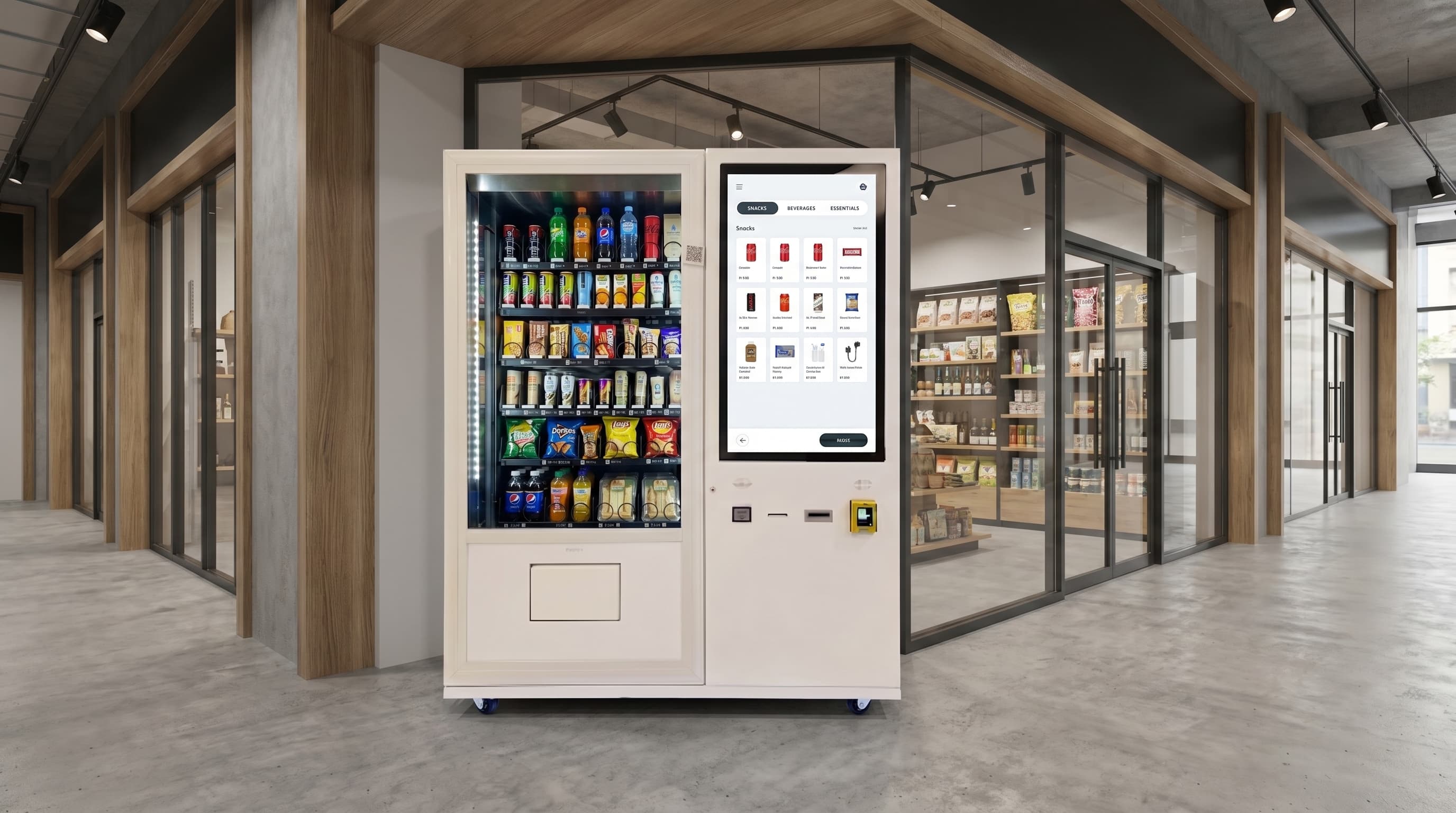
A digital vending machine is equipment with electronic customer or operator features, such as cashless payment, a touchscreen, or connected management software. The label alone does not tell you which features are included, how products are delivered, or whether an upgrade will solve your business problem.
If you already understand what a digital vending machine is, the next decision is practical: should you keep your current machine, add compatible technology, or replace it?
Start with the work you need the machine to do. A better payment experience, clearer product presentation, and more useful operating information are different requirements. They do not automatically require the same equipment.
1. Identify the problem before choosing the hardware
Write down the limitation you can actually observe. Examples include customers asking for a payment method you cannot accept, products that do not fit the current delivery mechanism, or staff making stock-check visits that produce little useful work.
Then define the outcome you want to measure. Instead of asking for a “fully digital” machine, specify that customers must be able to complete a particular payment method, read essential product information, or receive an undamaged item in its approved packaging.
For an existing operation, record a baseline before changing anything: completed and failed transactions, refund requests, physical stock discrepancies, restocking time, and service visits. For a new site, treat demand as a question to test, not a result the equipment guarantees.
2. Compare keeping, retrofitting, and replacing
Keep the existing machine when it handles the products reliably and the proposed digital feature does not address a meaningful customer or operating problem. A larger screen is not, by itself, a business case.
Investigate a retrofit when the cabinet and delivery system still suit the job, but payment or reporting needs have changed. Have the supplier confirm compatibility with the exact controller, wiring, power supply, communications setup, and payment hardware. A retrofit is not available or economical for every machine.
Consider replacement when the problem is the product format, delivery path, required temperature range, service access, or customer interface—and a compatible upgrade cannot meet the requirement at an acceptable total cost.
Digital features and dispensing mechanisms are separate decisions. A coil machine can have cashless payment and connected reporting. A conveyor does not, on its own, prove that the entire delivery path is drop-free. Sample testing matters more than a general claim that one mechanism is always gentler.
3. Turn the product list into a testable specification
Bring actual products in their final retail packaging. Record dimensions, weight, orientation, storage instructions, and anything that could catch, bend, leak, or break during delivery.
Ask the supplier to demonstrate the proposed configuration with those samples. Include full and nearly empty positions, consecutive purchases, and packaging variations you expect to sell. Agree how failed deliveries and damaged products will be recorded and addressed.
Separate the number of different products you want to offer from the total number of units the machine must hold. More product choices can mean fewer units of each item and more frequent replenishment. Neither a touchscreen nor a larger cabinet automatically establishes usable capacity for your assortment.
4. Specify the operating workflow, not just a feature list
For each requested capability, identify who uses it and what evidence will show it works:
- Customer purchase: demonstrate product selection, the agreed payment methods, an unsuccessful payment, and the customer-support or refund route.
- Stock management: show how stock is loaded, adjusted after a failed delivery, and reconciled with a physical count. Transaction-based stock estimates still need reconciliation.
- Remote changes: demonstrate any quoted remote price or catalog updates and confirm when changes reach the machine.
- Operator access: confirm available user roles, account ownership, exports, and access after a subscription or service arrangement ends.
- Connectivity failure: establish which functions stop, which continue, and how missing transactions or updates are reconciled afterward.
Treat these as requirements to confirm for the selected model and software package, not capabilities included with every digital machine.
5. Check whether the site supports the upgrade
Confirm delivery access, the installation footprint, power, connectivity, ventilation, service clearances, and applicable accessibility requirements before ordering. Wall-mounted equipment still projects into the room and needs suitable structural support and service access.
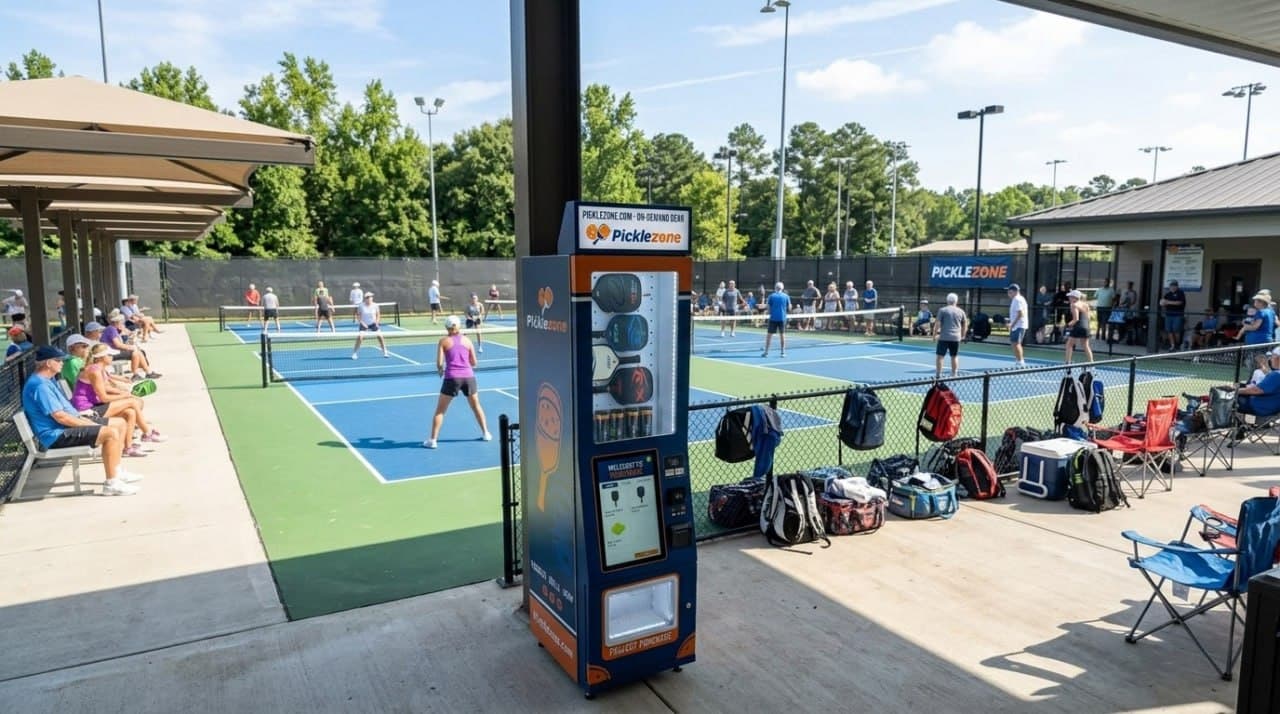
Match the machine's approved operating environment to the location. A machine intended for indoor use should not be treated as outdoor equipment because it has a covered position. For temperature-sensitive products, confirm the specified storage conditions, monitoring, and failure response for the actual configuration.
The site's opening hours also matter. An unattended machine inside a locked building cannot provide public access overnight. Agree who will restock, clean, inspect, and respond when a customer needs help.
6. Compare the whole quote and the initial cash requirement
Request an itemized quote for the machine, selected options, payment equipment, software, shipping, installation scope, training, and support. Identify recurring payment-processing, connectivity, and software charges separately. Do not assume these are included because the machine is described as digital.
For DMVI™ standard machine financing, the deposit is 25%–50% of the machine value. Shipping, the payment terminal, annual software license, wrap, and selected topper are separately priced and paid upfront, as applicable. Budget for applicable taxes and other quoted extras as well.
The quoted interest rate is 8%–15%, depending on repayment ability and other approval conditions. The remaining machine balance is repaid in 12 monthly payments, beginning 30 days after shipment. Confirm the interest calculation, total financing charge, and exact payment schedule in the written agreement. Financing is discretionary; a UCC filing applies, and a personal guarantee may be required. DMVI no longer offers all-inclusive leases.
The AI-fridge program is separate and must be evaluated under its own written terms. Do not apply the standard machine deposit or payment schedule to that program.
7. Pilot before expanding
Agree a pilot period and success criteria before installation. Reconcile purchases with stock counts, review refunds and delivery failures, and measure the operator time needed to keep the machine running. Include software, payment, location, product, service, and financing costs when assessing the economics.
If several things change at once—equipment, product mix, pricing, and location—do not attribute every sales change to the digital upgrade. Use the pilot to decide what to keep, change, or stop before committing to a wider rollout.
Make the next conversation specific
Bring your current equipment details, product samples, site constraints, and the operating problem you want to solve to DMVI. Those inputs make it possible to discuss a suitable configuration and a clear scope of work. The goal is not the most technology; it is equipment you can demonstrate, operate, and support for the job you actually have.
Discuss your project with DMVI
Bring your product samples, site requirements, and intended customer experience to the conversation.