Shotboxxx Action Camera Rental Kiosk: A Rental Workflow in a Cabinet, Not a Vending Machine
Custom self-service action camera rental cabinet for resorts, beaches, ski areas, surf schools, and other tourism venues that need 24/7 gear access without losing accountability.
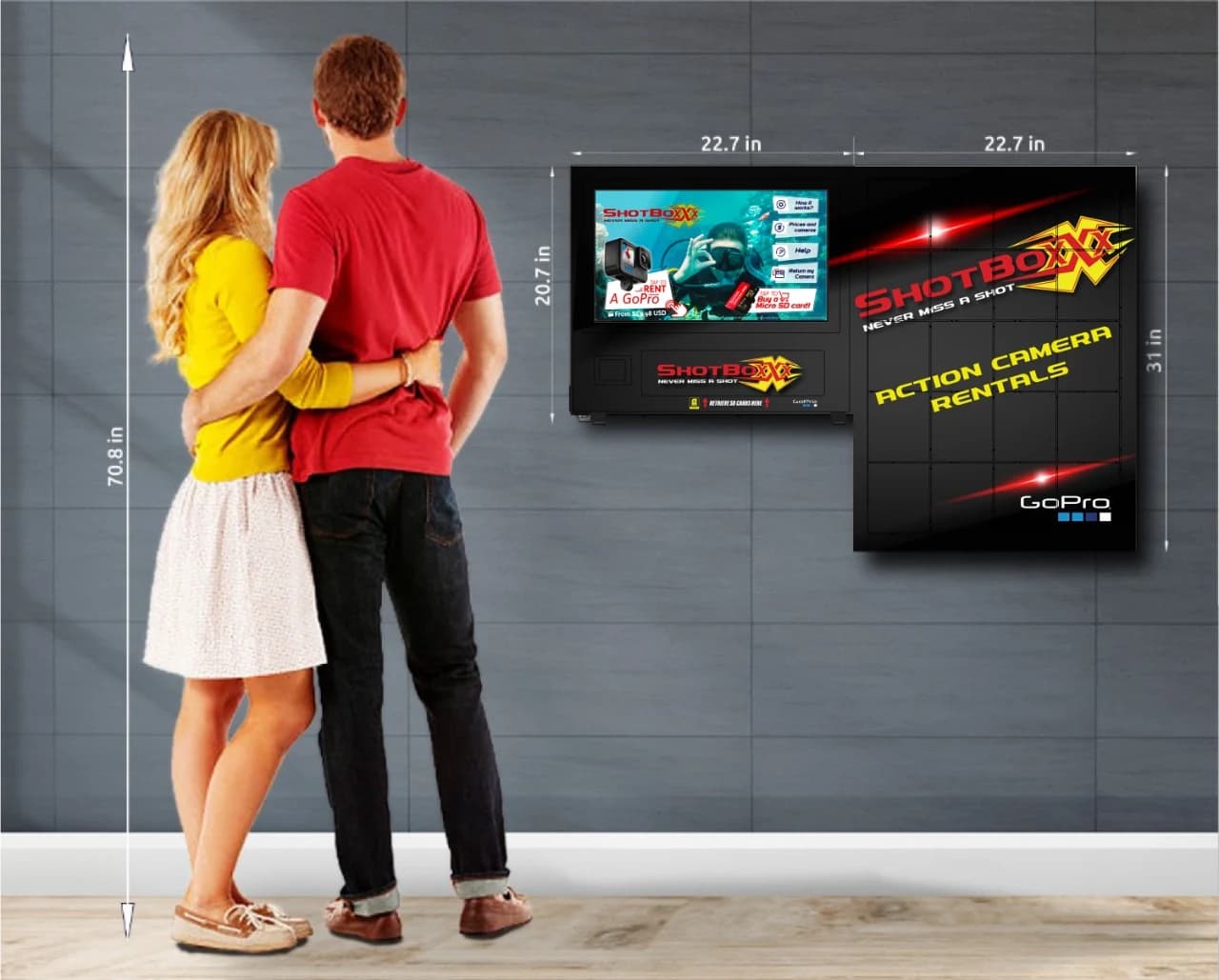
A Shotboxxx action camera rental kiosk is a custom self-service cabinet that handles the full rental workflow for action cameras and accessories: reservation or walk-up booking, identity capture, payment with deposit hold, secure equipment release, return, condition check, and damage settlement. It looks like a vending machine. It is not one.
The transaction is a hire, not a sale, and the cabinet has to be engineered around that fact from the start. A snack-machine mindset breaks this category quickly.
SPECIALIZED RENTAL KIOSK PROJECTS
Where this format fits
Action camera rental kiosks earn their keep in places where guests want to capture an experience but do not want to travel with their own gear: beach resorts, ski areas, dive shops, surf schools, zipline and adventure parks, tour operators, cruise terminals, theme parks, national-park gateways, and city tourism touchpoints.
Tourism kiosks already have a long history of giving guests 24/7 self-service in venues where staffed counters cannot scale, something covered well in LamasaTech's tourism kiosk overview. Action camera rental is a more demanding version of that same idea because the equipment is high value, the workflow is two-way, and the accountability requirements are far stricter.
These projects only make sense when the operator has a clear plan for reservation flow, pre-authorization handling, gear turnaround, cleaning, charging, and who actually clears equipment between rentals. A glossy cabinet with no operating model behind it is just an expensive queue problem.
RENTAL LOGIC, DEPOSIT CONTROL, PHYSICAL SECURITY, AND RETURN WORKFLOW ALL HAVE TO BE DESIGNED TOGETHER
Why a rental cabinet has to be different
Rental is not a one-way vend
The cabinet has to dispense, track, accept return, support inspection, and help settle the transaction. Every unit needs a known state: in cabinet, out on rental, returned, cleaning, charging, or in damage hold.
Payment plus deposit hold
A rental fee alone is not enough. The kiosk normally runs a captured rental charge plus a pre-authorization hold against the same card so late, damaged, or missing equipment can be settled under the operator's rental terms.
Identity and rental terms
Operators usually want ID capture, on-screen acceptance of terms, optional waivers for activity venues, and a linked phone or email for return reminders and post-rental notices.
Reservation and app hand-off
The strongest setups let guests reserve in an app or web flow, walk up to the kiosk, scan a QR or short code, and release gear in seconds instead of forcing every customer through a full walk-up identity process.
Return, clean, and charge cycle
Cameras come back wet, sandy, dusty, or half-dead. Returned units need to be flagged, inspected, cleaned, charged, memory-wiped, and explicitly cleared before the bay goes live again.
Ruggedization and site reality
Beach kiosks fight salt air and UV. Mountain kiosks fight cold soak. Theme-park kiosks fight crowd pressure and heavy cleaning. Cabinet materials, screen brightness, gasketing, and install method have to match the real venue.
How the workflow runs end to end
The most credible rental-kiosk conversations are the ones that map every handoff, not just the release moment.
1. Reserve in the app or walk up to the kiosk
The operator decides whether the fast lane is pre-booked, fully walk-up, or a hybrid of both.
2. Capture or recognize identity
Driver's license, passport, or app-verified identity has to be linked to the rental before the bay opens.
3. Present and accept rental terms
The kiosk needs a stored record of terms acceptance and, where relevant, waiver acknowledgment.
4. Authorize payment and deposit hold
Rental fee is captured and a deposit hold is placed against the same card or approved payment path.
5. Release the correct camera and accessory bundle
Tracked one-unit-per-bay logic matters because the cabinet cannot afford ambiguous release events on high-value gear.
6. Accept the return and flag the unit
On return, the kiosk needs to mark that bay as awaiting inspection rather than instantly treating it as ready inventory.
7. Clean, charge, wipe, and inspect
A site staff member or route tech clears the unit before it can be re-rented. This is where real fleet health lives.
8. Release or settle the hold
On a clean return the hold is released. On damage or non-return, the operator settles against the hold under the recorded rental terms.
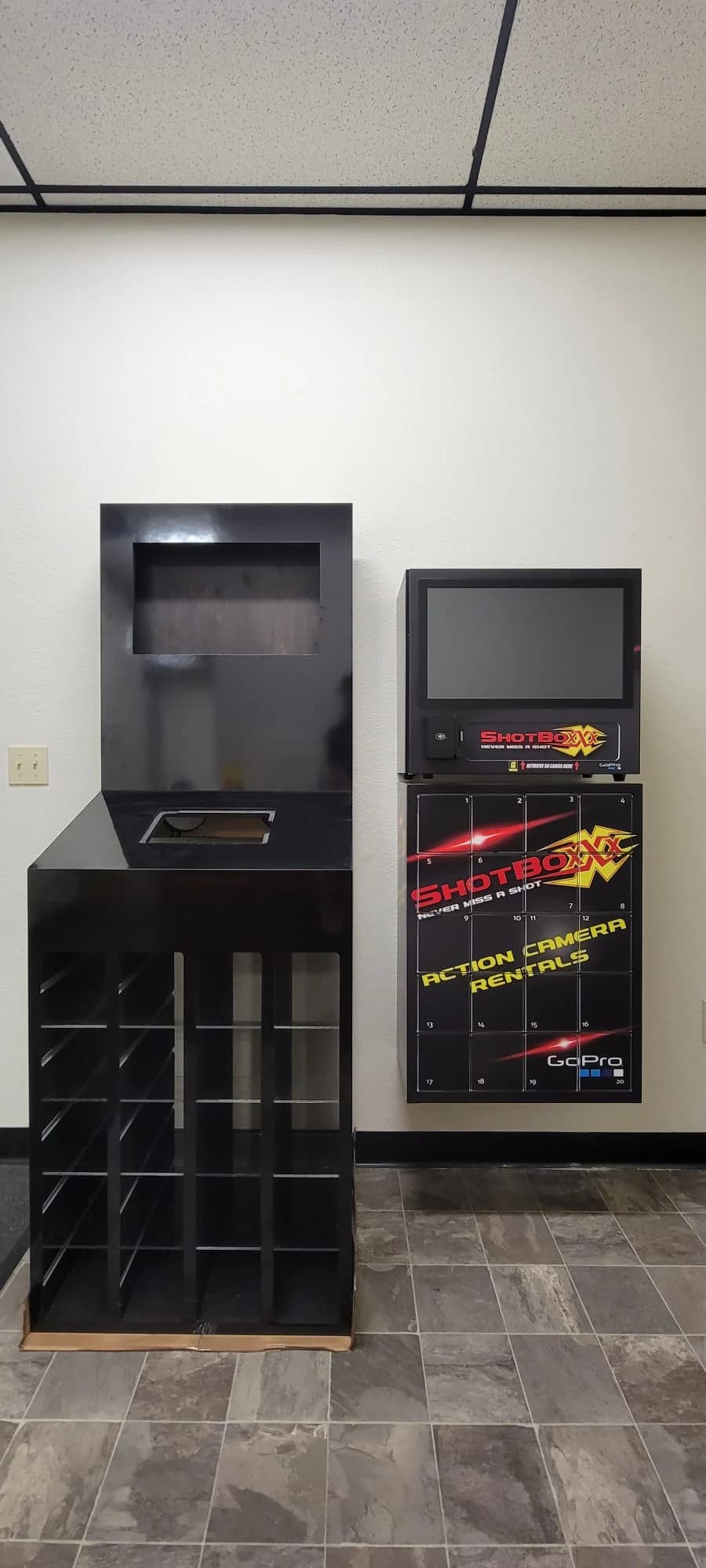
Bring the venue, the payment path, and the turnaround workflow into the same scoping conversation
If the kiosk has to release $300-plus gear, accept returns, and survive a beach or mountain environment, the payment logic and operating model matter just as much as the cabinet. DMVI can help shape the machine around the real rental program.
Shotboxxx Action Camera Rental Kiosk FAQs
A Shotboxxx action camera rental kiosk is a custom self-service cabinet that handles the full rental workflow for action cameras and accessories. It supports reservation or walk-up booking, identity capture, payment with deposit hold, secure equipment release, return, condition inspection, and damage settlement. It is engineered around a hire transaction, not a one-way vend.
The kiosk normally runs two card events: the rental fee is captured and a deposit pre-authorization is placed as a hold. On a clean return the hold is released. If the gear is damaged or never comes back, the operator settles against that hold under the rental terms recorded in the kiosk back end.
They fit tourism and activity venues where guests want gear access on demand and operators want self-service without losing accountability. Typical sites include beach resorts, ski areas, dive shops, surf schools, adventure parks, cruise terminals, theme parks, and city tourism touchpoints with real 24/7 demand windows.
The cabinet uses tracked one-unit-per-bay locker architecture with controlled access on every door and audit logging on every open event. Operators usually pair that with a tamper-resistant chassis, anchored install, key-control or managed-lock hardware, and CCTV coverage at the cabinet face so a high-value rental fleet is not treated like low-value impulse stock.
No. The kiosk handles the customer-facing rental, payment, access-control, and return flow. Site staff or a route technician still cycle returned units through cleaning, charging, memory wipe, and condition inspection before they are re-rented. The kiosk removes queue handling; it does not eliminate the operating work behind a healthy rental program.